Choose the information that distinguishes the file
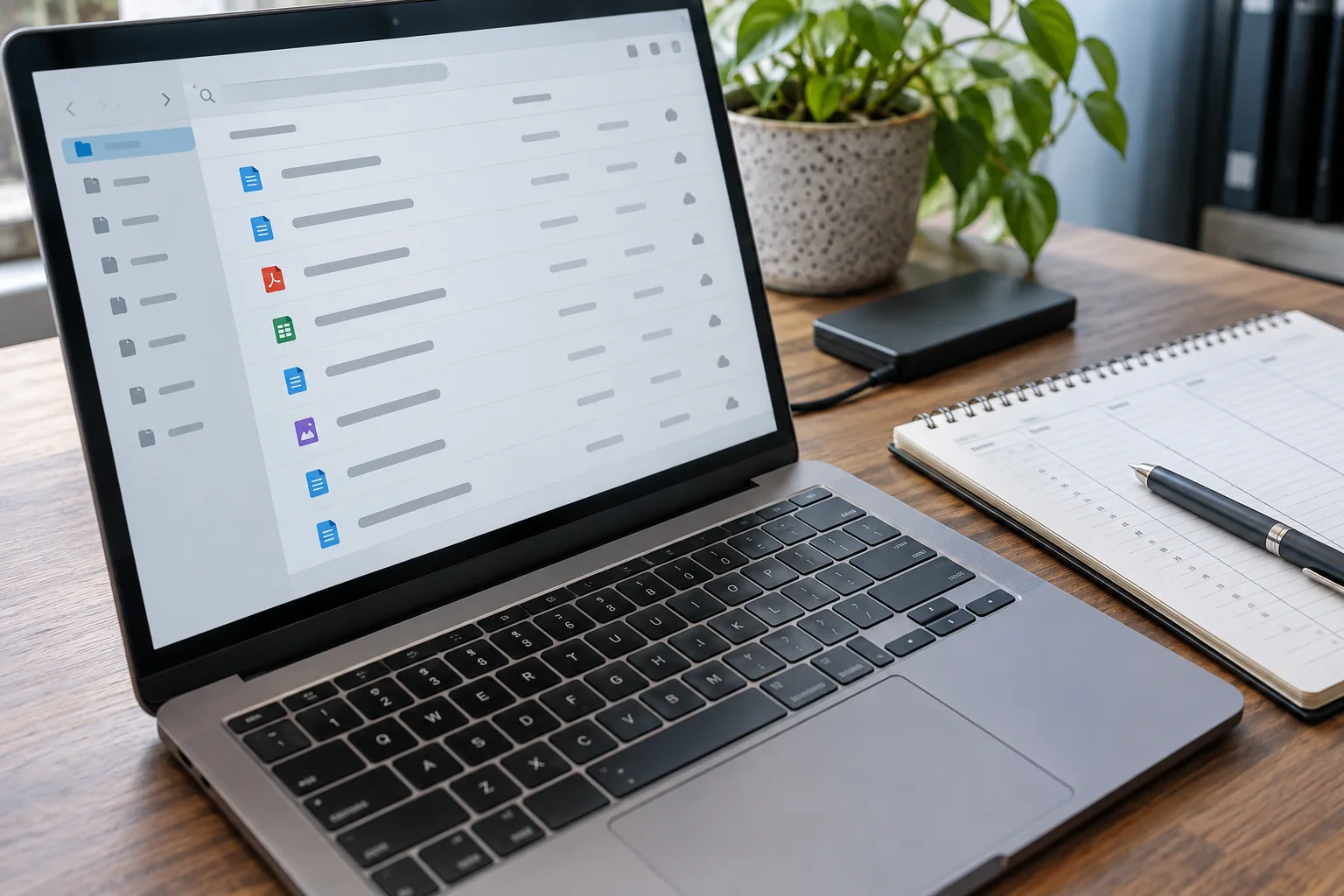
Use a short, understandable subject and add only details needed to distinguish it. For time-related documents, a year-month-day date sorts naturally in alphabetical order. For several drafts, a simple version number may help. One example is 2026-10-16_Project-A_Proposal_v03.docx.
Distinguish the document's meaningful date from its automatically recorded modification time. Copying or exporting can change file properties without changing the substantive version. The name should therefore express a deliberate meaning rather than imitate incidental metadata.
Keep names compatible and understandable
Avoid unusual special characters, very long names and deeply nested paths, especially when files move between operating systems and cloud services. Exact restrictions differ by service. Test a representative complete project path rather than trying only a short filename on your own computer.
Preserve the correct extension. Renaming .jpg to .pdf does not convert the file format. Enable extension display if necessary so you can identify the type. Do not unnecessarily put confidential details in a filename even when the contents are protected; names may appear in notifications and sharing lists.
Agree how changes work in a team
Define when a version number increases and how an approved version is identified. Where a service provides co-editing and version history, another filename for every small save may be unnecessary. Clear identification remains useful for exported or delivered copies, which may no longer carry that history.
Do not silently rename linked files. Check presentations, spreadsheet references and project files after changes. Start the convention with new material and revise existing collections selectively. A short example in the shared filing area is often enough for others to follow the same logic and search for useful terms later. Consistency should reduce decisions rather than add another administrative task to every save.