Check the current operating mode
Open the administration interface through the known address or official router app. Find instructions for the exact model and installed software version. Guest features can differ between router and access-point modes. TP-Link, for example, describes automatic main-network isolation for Deco in router mode and a separate local-access control in access-point mode.
Record the current configuration before changing it. In a managed office, the responsible person should configure visitor access. Adding a personal router to a company network can create an unintended connection and is not a substitute for the approved network arrangement.
Define access and boundaries
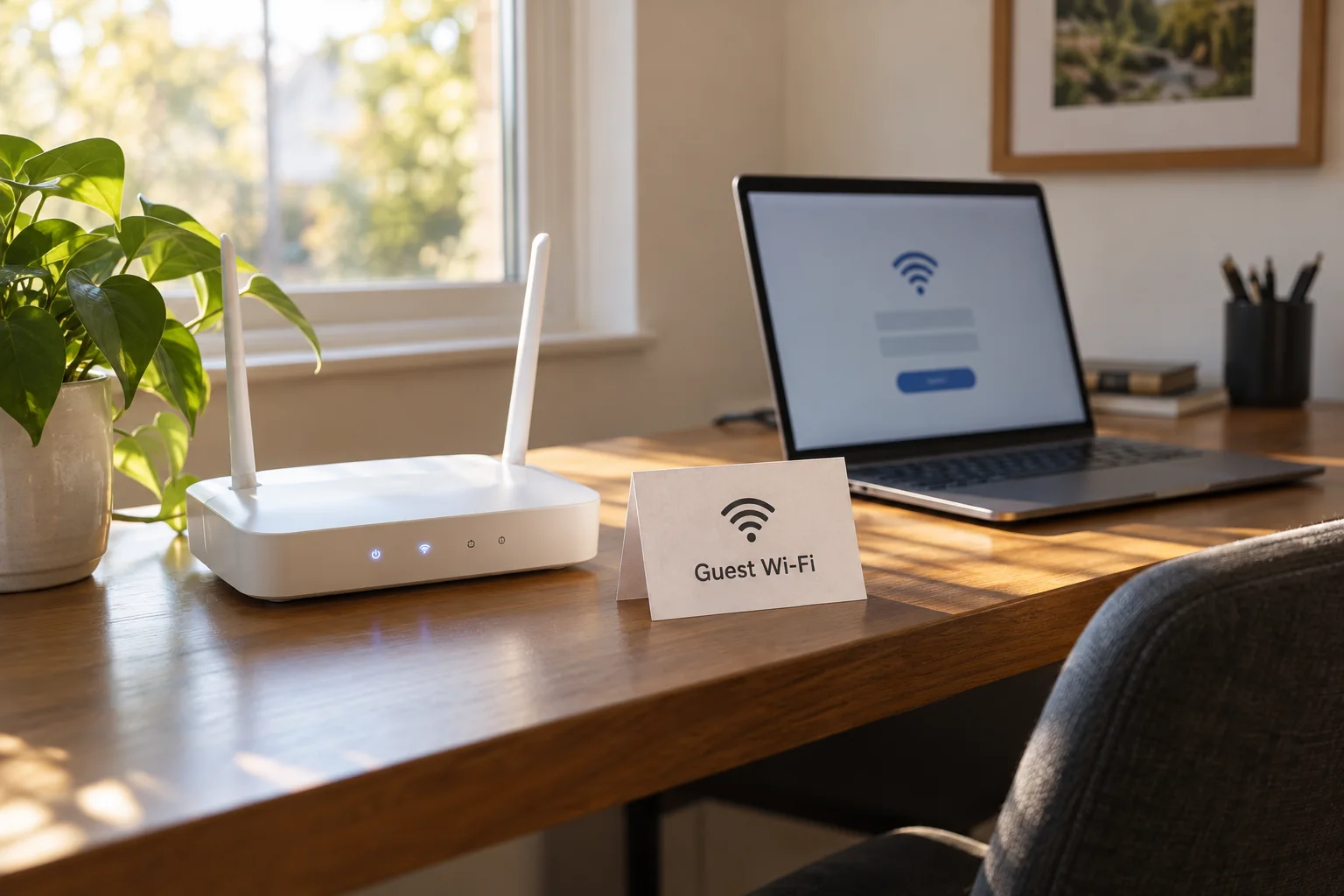
Choose a recognisable guest name that does not expose an address or internal project name. Use a separate, sufficiently long password and current encryption supported by the equipment, such as WPA3 or an appropriate WPA2/WPA3 compatibility mode. Do not leave the network open merely for convenience. Its password should not match the router administrator password.
Review controls for home-network access, local resources and communication between guests. They describe different boundaries. Visitors may be isolated from the main network while still being able to contact each other. For internet-only use, guest-to-guest isolation can be useful if supported. A shared presentation may require deliberate access to particular equipment instead; plan that exception rather than removing all boundaries.
If a duration or schedule is available, match it to the visit. A bandwidth limit can protect working capacity, but should not unnecessarily prevent a normal call. Not every model offers these features. If the controls are absent, check the manufacturer's description instead of assuming the separation exists.
Verify from a guest device
Connect a device you control to the guest network and first confirm internet access. Then check that known local shares and the normal router administration interface are inaccessible. Do not rely solely on an empty discovery list: some services are not automatically listed but remain reachable through their direct address.
Where possible, repeat the check through each additional access point. Isolation that works at the main router should remain effective through extensions. Use supported wiring and operating modes. Failure to reach a printer from the guest network is initially expected, not a reason to disable every protective setting.
Share only the guest name and password, perhaps through the manufacturer's sharing function. Treat a QR code as a credential too. After a long or large visit, you can rotate the guest password and close any temporary access. Regular work devices should not need reconnecting because their main-network credentials have remained separate.