Reusing the existing credentials
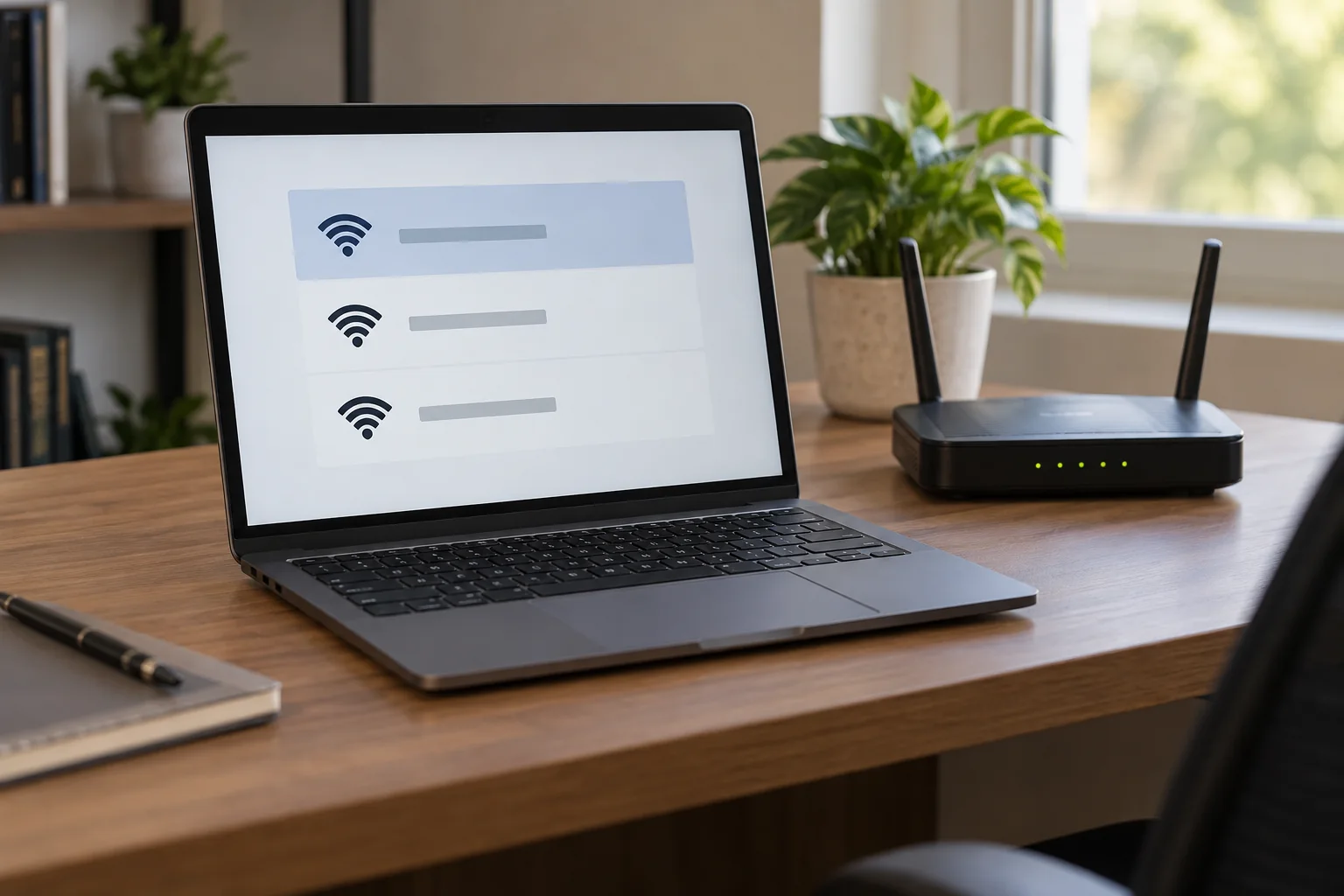
If the name, password and security mode remain compatible, many devices can connect automatically. This avoids configuring an awkwardly placed printer or equipment without a convenient keyboard again. It is not a guaranteed seamless switch: some devices need reconnecting, and administration addresses or local IP assignments may change.
During the actual changeover, turn off the old router once the replacement connection is ready. Two independently configured networks with identical names can make diagnosis confusing. Deliberately coordinated mesh systems or access points follow their own manufacturer instructions instead. A shared name does not by itself turn two routers into one managed system.
Reasons to choose a new name
A new name makes the change visible and clearly separates the new arrangement from the old network. This can help when many former visitors know the previous password or when you need to review unknown equipment. Allow enough time, because every device will need the new credentials.
Choose a name you can distinguish from neighbouring networks without exposing personal information. Avoid a full address or confidential client name. Hiding the network name does not replace strong encryption and a unique password. Where needed, give visitors a separate guest network rather than one shared access card for every device.
Check local services after switching
Test a computer, printer and any network storage. A device can connect to the new Wi-Fi while its application still points to an old fixed address. Record such dependencies before replacing the router, and transfer address reservations only when they fit the new arrangement.
Keep the old router and its documented settings until required services have been checked. Before later passing it on, remove personal settings using its model-specific instructions. Update your network notes and remove obsolete saved networks from client devices when they are no longer needed. This leaves a clear record of which connection everyone should use in future.
Use a short sequence for the transition: first a computer for administration, then the shared printer, followed by less essential devices. This preserves a working route for further configuration. After the first working day, also check equipment that wakes on a schedule or is used only occasionally. An apparently uneventful change may otherwise reveal a forgotten connection only during the next backup. Mark completed checks directly on the list so the same devices are not repeatedly tested while others remain overlooked.