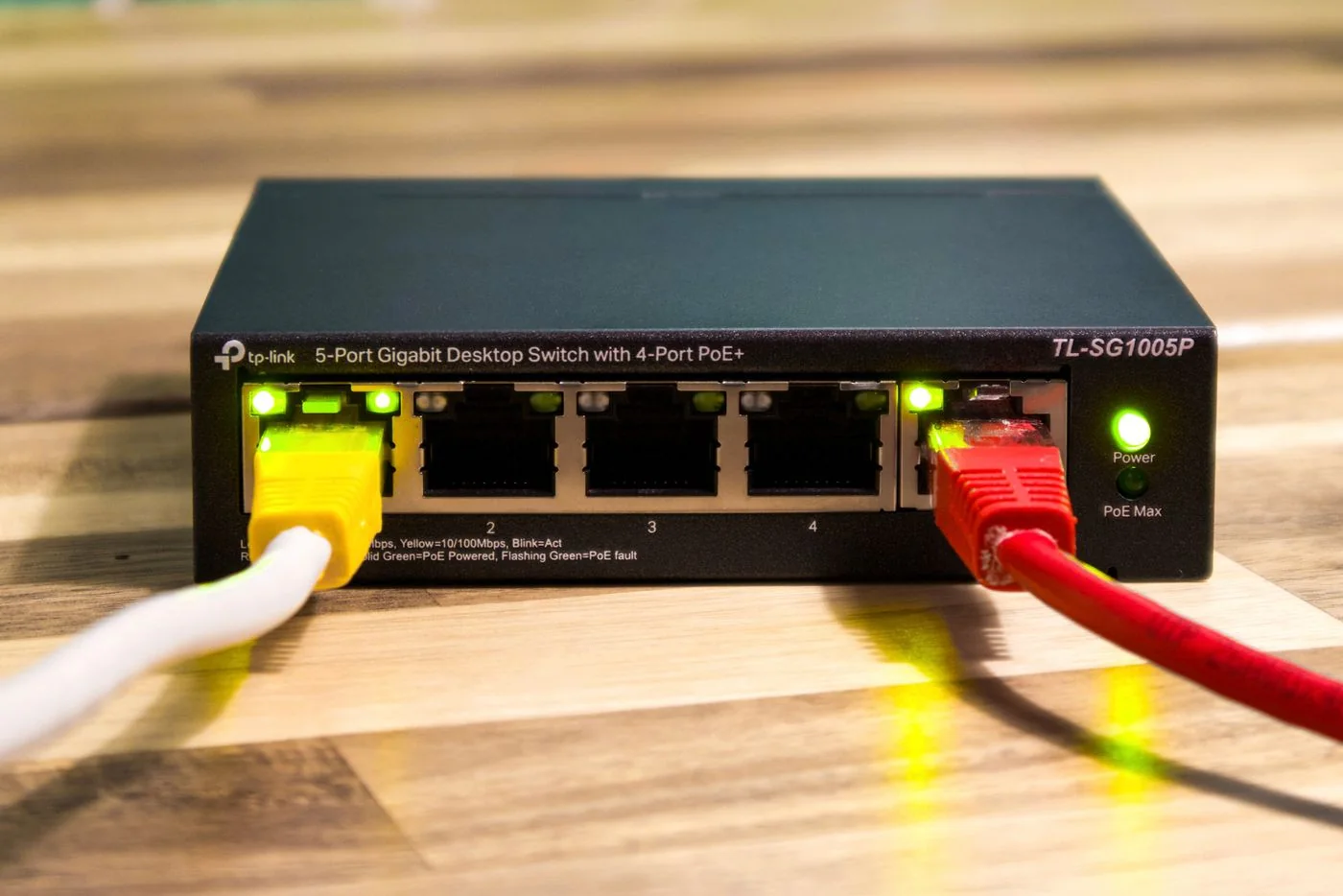
Count the connection back to the router
List the required equipment first: computers, printer, network storage and perhaps an access point. Then count the cable linking the switch to the router. A five-port switch with one port used for that connection leaves four for client devices. Allow for an expected addition without automatically planning a much larger unit.
Check existing router-port and device speeds. A faster switch cannot accelerate a slow internet service. It may support faster local transfers between suitably equipped computers and network storage, but the devices, cables and storage performance must also match. Compare actual port specifications rather than only the large speed figure on the packaging.
Simple switching or managed functions
An unmanaged switch normally works without configuration. That may be sufficient for several devices on one existing network. If you need separate networks, specific port rules or an administrator-defined configuration, managed functions become relevant. Do not buy them merely as a precaution: they require planning and maintenance, and their presence alone does not isolate devices.
A Power over Ethernet, or PoE, switch can supply compatible access points and other equipment through their network cables. Check the standard supported by every powered device, the allowance per port and the total power budget. An ordinary Ethernet connection does not automatically require PoE. Passive power arrangements are not freely interchangeable with standardised PoE; use explicitly compatible combinations.
Understand the shared uplink
Devices communicating through the switch towards the router share its upstream connection. Two simultaneous large transfers may therefore encounter a common bottleneck. For many office tasks that is unimportant, but substantial network-storage workloads can change the calculation. Consider the entire route between source and destination, not merely the individual computer's socket.
Local traffic between two devices on the same switch does not necessarily need to pass through the router. Actual performance and behaviour still depend on the overall configuration. An internet speed test alone therefore does not establish how quickly a computer can access local storage.
An example makes the shared route clearer: two computers may each access network storage quickly on their own, yet slow each other down when the storage is reached through one slower shared connection. Test a representative simultaneous workload before extending the equipment. For brief document access, the existing arrangement may be entirely sufficient. Regular exchanges of large media projects justify a closer look at the storage and switch connections. One faster laptop port does not remove a shared bottleneck elsewhere. Record the task and duration so any later upgrade can be judged against a real requirement rather than an isolated specification.
Wire it without loops
Initially connect the switch to one router LAN port using a single cable. Add devices one at a time and check both the physical link and their required function. Do not connect two ports on the same switch together or add a parallel router connection unless an explicitly supported configuration has been established. Such loops can disrupt the entire network.
Keep the switch ventilated and use its intended power supply. Label cable ends with understandable destination names. Avoid stretching cables over furniture edges and keep walking routes clear. Even a small switch needs accessible power and enough room to release its plugs, just as the router does.
Test real tasks after installation
Check internet access, a print job and any relevant transfer to storage. If one device fails to connect, compare another cable and port first. Record the original arrangement so you can bypass the switch if necessary. A link light confirms only part of the connection, not the correct network configuration.
Add the model, location, power supply and router connection to your network notes. This makes it clear which working positions would be affected together if this particular switch or its power supply stopped working.