Identify the model and who manages it
Read the precise model name and any hardware revision from the device or its administration interface. Similarly named routers may need different firmware. For TP-Link, for example, the regional version also matters when downloading updates manually. Do not select a file merely because the product name looks approximately right.
A provider-managed router may update automatically or only through the provider's process. Establish that responsibility before attempting a manual installation. Use the built-in update function or official support page for the exact model, not an unknown software-download collection.
Prepare a maintenance window
Read the release notes. They may describe prerequisites, changed functions or how existing settings are handled. Back up the configuration according to the instructions and keep required credentials somewhere accessible without the connection being updated. Check whether a rollback is supported at all; an arbitrary older firmware file is not automatically installable.
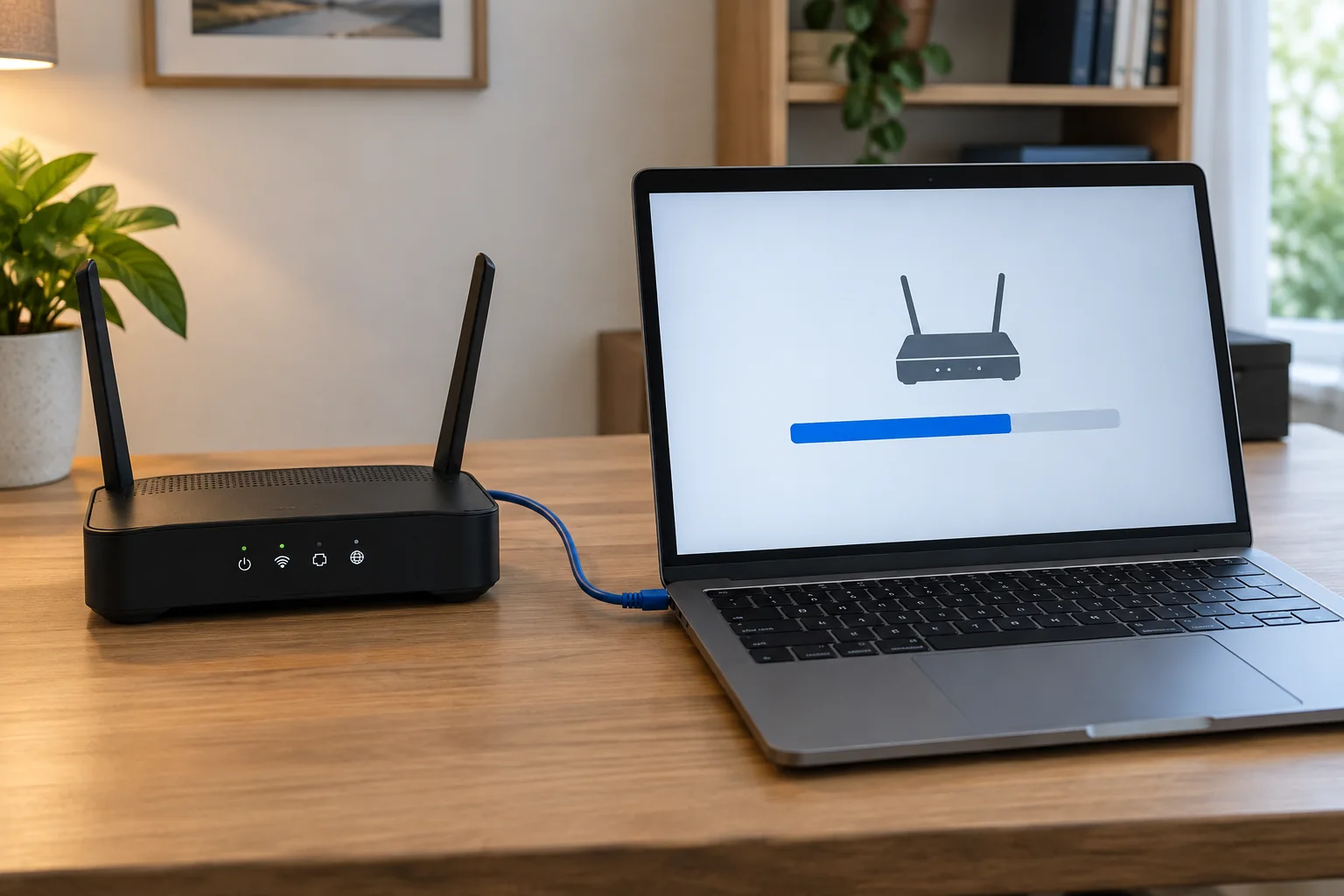
Tell other users about the interruption and finish important calls or transfers. Ensure stable power. For a manual update, use a wired connection where the manufacturer recommends it. Do not start just before leaving the location or when the power supply is about to be disconnected.
Install and verify services
Follow the intended update process and wait for the stated restarts. Do not disconnect power or a required connection during installation. A temporarily unavailable administration page may be part of the process. Intervene only through an appropriate fault or recovery procedure described by the manufacturer.
Afterwards, check the displayed firmware version, internet access, Wi-Fi, telephone service and required local services. Review special settings such as guest access and address reservations. Record the date and version in your network notes. If something fails, document the difference and contact the responsible support service with the model, version and error rather than making several additional changes at once.
With multiple access points, also check their software state and the manufacturer’s intended update sequence. Do not independently install arbitrary versions when the system is managed as one coordinated unit. Afterwards, confirm that every node has rejoined and serves its usual rooms. A working main router can hide the fact that a remote access point has not returned correctly. The existing location list keeps this check complete without making it unnecessarily lengthy.