Observe the pattern during the call
Ask whether everyone hears the same person poorly or only you notice it. If only your received audio breaks up, check the selected audio device too. If others see your picture freeze while you continue hearing them, the outgoing connection may be involved. These observations are clues rather than a final diagnosis.
Close unnecessary applications and check whether a large upload or backup is running. Pause only transfers that can be interrupted through their normal controls. As an immediate experiment, switching off the camera can reduce demand. If audio then stays stable, record that observation for a later comparison.
Make a controlled test outside the meeting
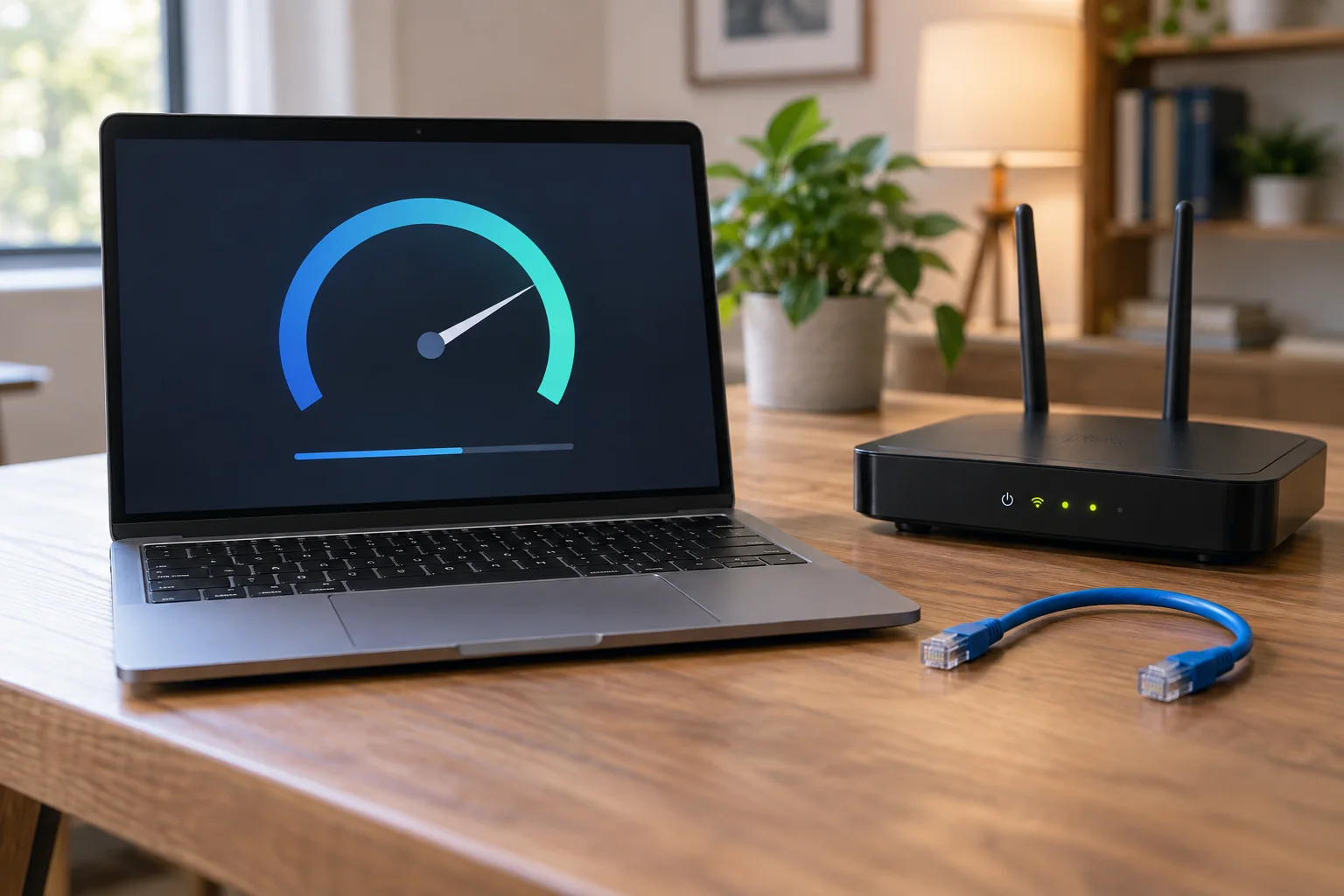
At a less important time, try the same application closer to the router or through Ethernet. Keep the same headset where possible, so audio hardware and network do not change together. A normal speed test may show spare capacity but does not fully represent brief dropouts or fluctuating delay.
Many conferencing applications expose connection statistics or diagnostic information. Record unusual readings with the time and connection type, rather than applying one universal threshold. Requirements differ by application, participant count and enabled functions. A screen-sharing test may therefore behave differently from an audio-only connection.
If several people share the connection, also compare the call during their normal activity. It may work perfectly alone and stutter during a large outgoing transfer. Record which parallel task was involved. Rescheduling substantial transfers may address the problem; buying a new camera would not fix that cause. Once the behaviour is related to actual usage, you can judge whether the network or simply the working schedule needs to change.
Let the comparison determine the next step
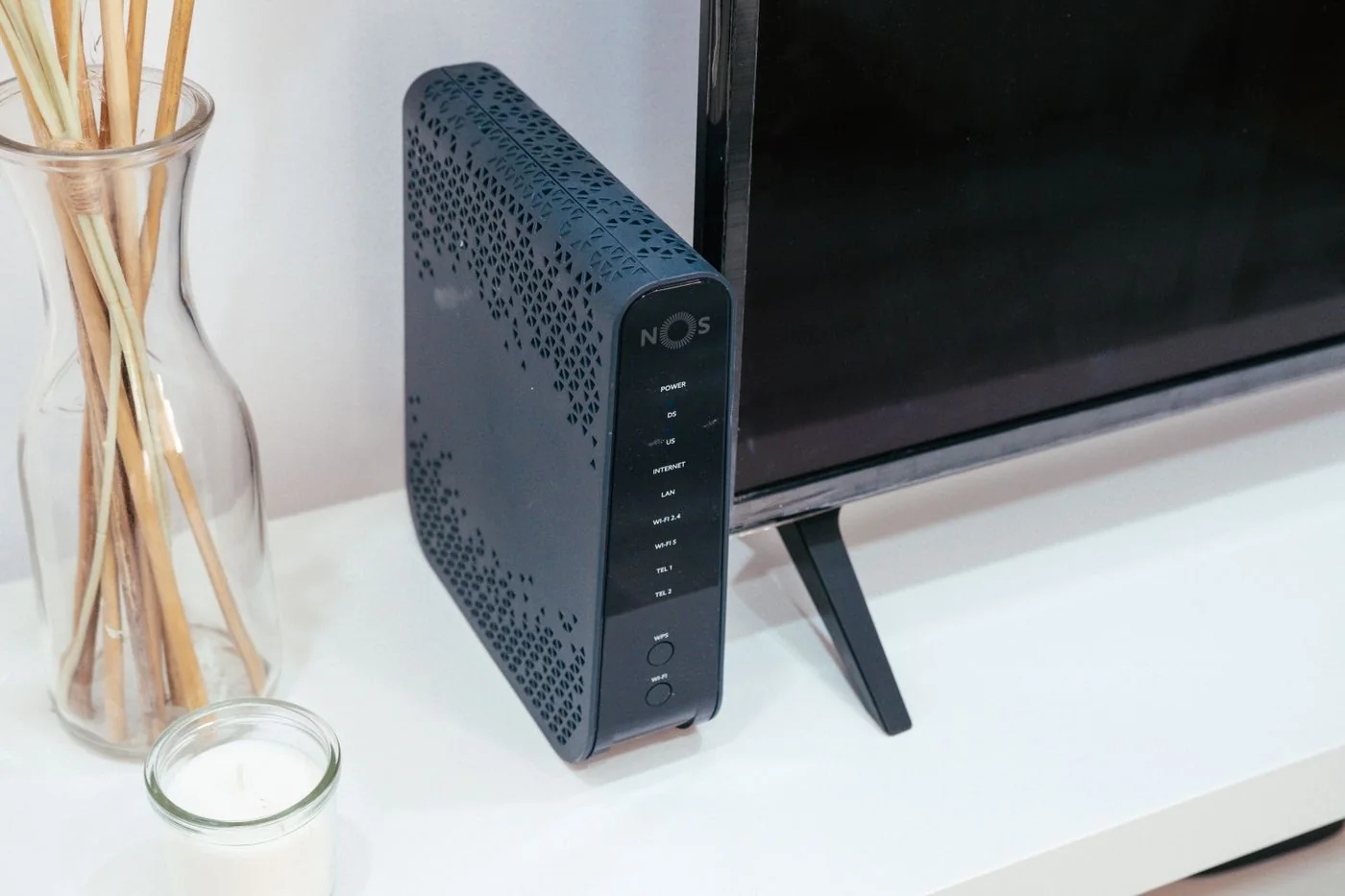
If Ethernet is stable while desk Wi-Fi fails, investigate router placement and the wireless path. If both fail, check simultaneous uploads and service-status information from the conferencing provider or internet company. When only one computer struggles, its software and device state deserve attention.
For support, record the application, system version, time, affected direction and comparison results. Do not send confidential meeting recordings as supposedly necessary evidence. A short test with non-sensitive material is usually sufficient. Keep a tested audio alternative available if an important appointment must proceed before the underlying cause has been fully established.