Identify before attaching labels
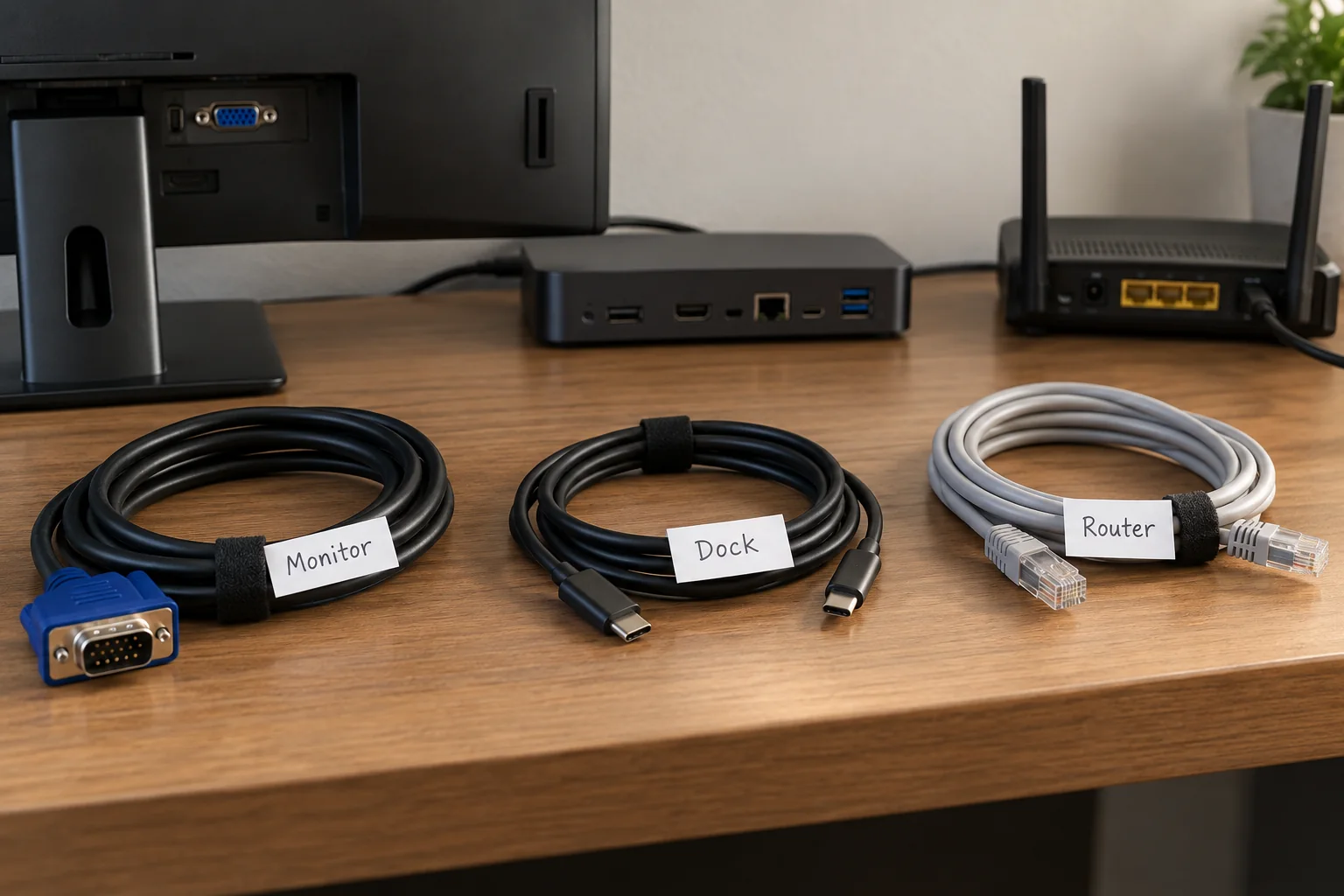
Trace one cable from end to end while the equipment is in a known working state. Record the device and port, then label both ends consistently. For example, a monitor's input name and the dock output can be more useful than a generic screen label. Do not disconnect an active storage device merely to follow its cable; eject it first if disconnection is necessary.
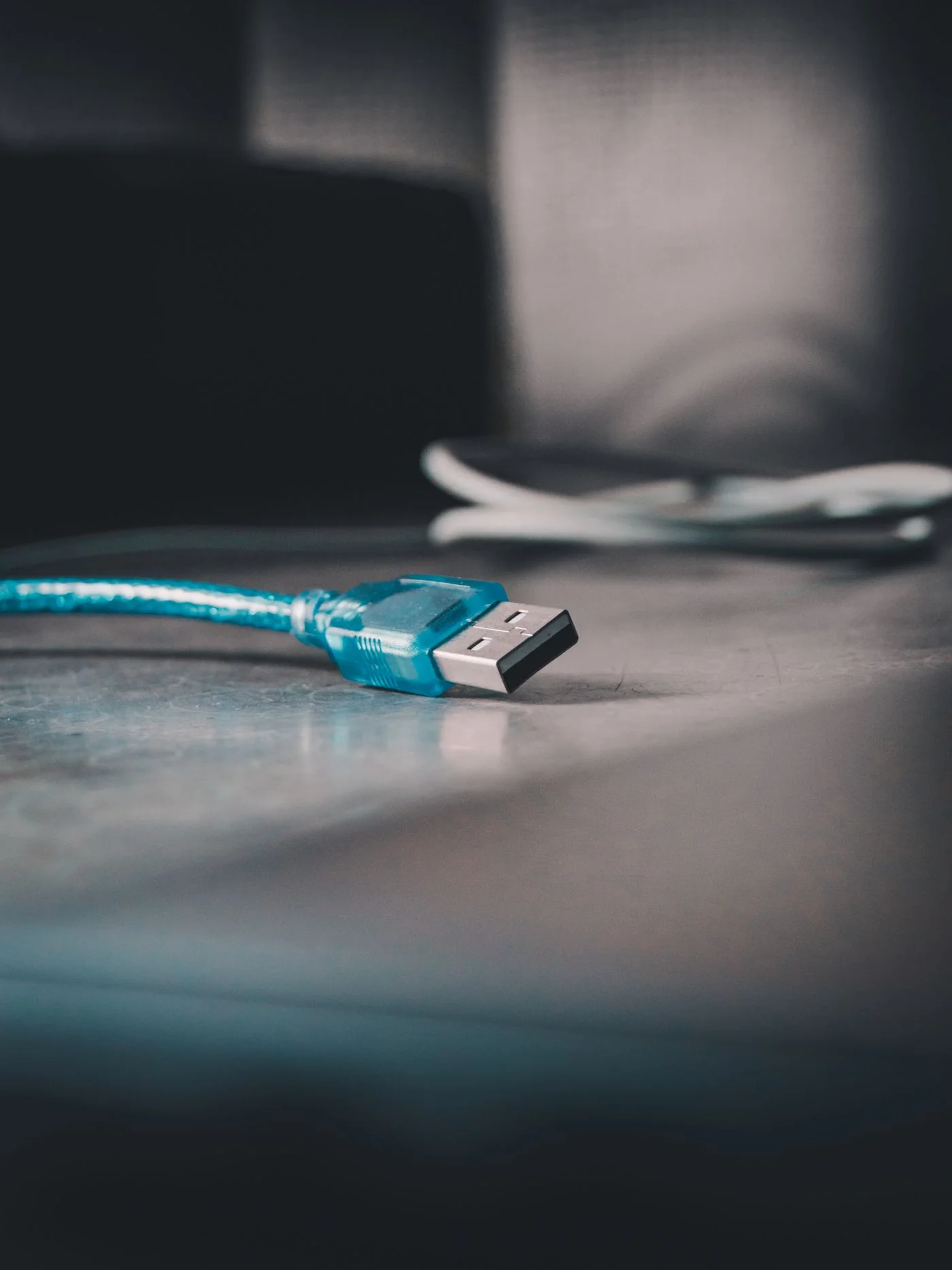
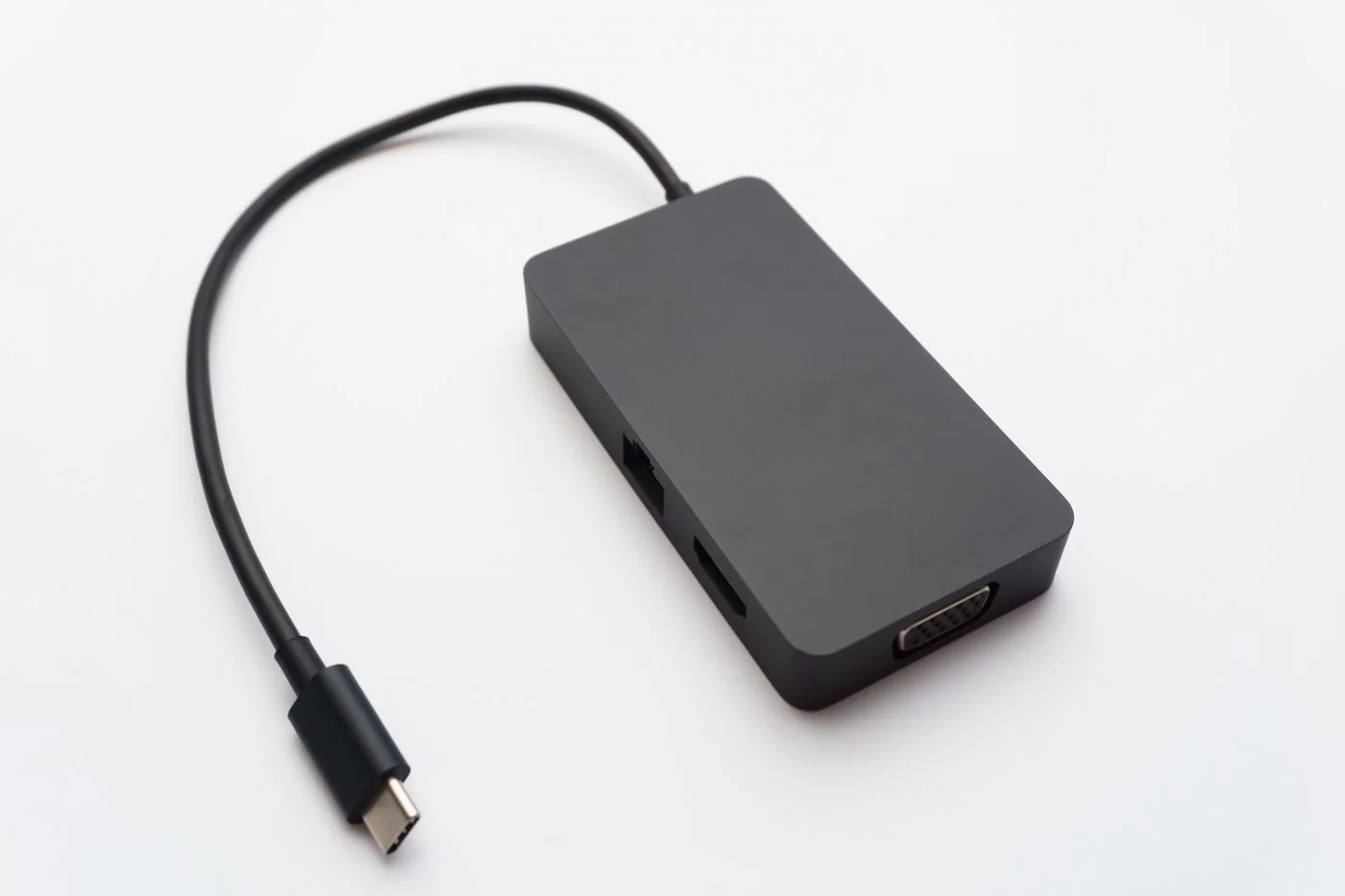
Distinguish visually similar charging and data cables using their verified role or specification. Do not invent a speed or power rating from appearance. Keep the original product information for a cable whose capability matters, particularly the host cable connecting a laptop to a dock.
Choose a readable, removable system
Use labels or cable markers appropriate to the cable surface and environment. Place them where they can be read without covering connector latches, ventilation or required safety markings. Leave enough flexibility near the plug and avoid making a stiff lump at a bend.
Choose names such as desk monitor left, webcam or backup drive rather than a person's private account details. Colour can help grouping, but text should still carry the meaning. A system that depends on remembering an undocumented colour code becomes unclear after the next move.
Add a small connection note for a shared desk or complicated dock. Record the current working arrangement and date, without passwords or sensitive network details. Update it when a cable is repurposed. An old confident label can be more misleading than no label at all.
Check after the tidy-up
Reconnect anything deliberately removed and test the associated function. Check that cable ties are not too tight and that adjustment remains possible. Include the full travel of a height-adjustable desk where applicable. The finished setup should allow a device to be identified and replaced without pulling on unrelated connections or guessing which storage cable is safe to remove.