Give each project a recognisable home
Choose a common starting location for active work. A folder name combining year, short project identifier and understandable name can distinguish similar assignments. Avoid confidential details in names that may appear in shared links or screen views. Establish which folder is the authoritative working location.
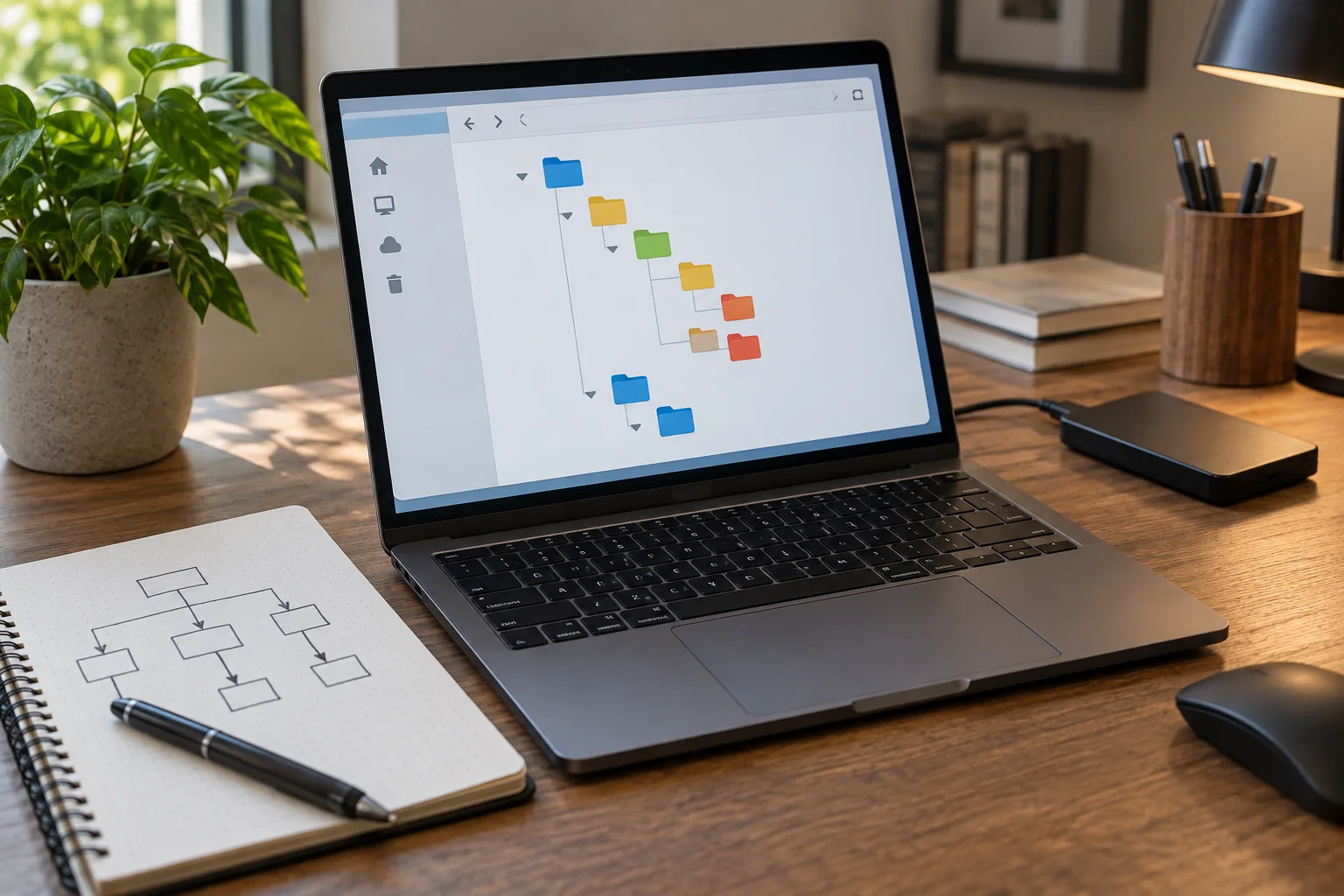
Within a project, begin with a few areas reflecting genuine distinctions: incoming material, editable working files and approved outputs. Add subfolders when the volume or process requires them. A mostly empty hierarchy with many levels does not make a small project easier to navigate.
Walk through a real example
Consider an assignment with a received template, several drafts and a delivered final version. Keep the template unchanged in the incoming area. Drafts belong in the working area, while the version actually delivered is clearly identifiable as an output. A short note can record what was sent to whom without creating several competing master copies.
Check dependencies too. If a presentation links to images in a subfolder, renaming that folder must not silently break the links. Specialist applications may need their own collect or export function when handing over projects. The visible main file does not always contain every required component.
Introduce the structure without disruption
Try the arrangement on a new project first. Do not relocate every existing folder during active collaboration. Tell participants where material belongs and check permissions, shortcuts and backup scope. A moved folder can still exist while falling outside an automated backup selection.
A small incoming area can hold temporarily unclassified files if someone reviews it regularly. It must not become a permanent second filing system. Move completed projects into an identifiable archive and retain a short description of their contents. The structure then remains useful when someone returns to the work months later, rather than only while its original author remembers it.