Plan for the main task
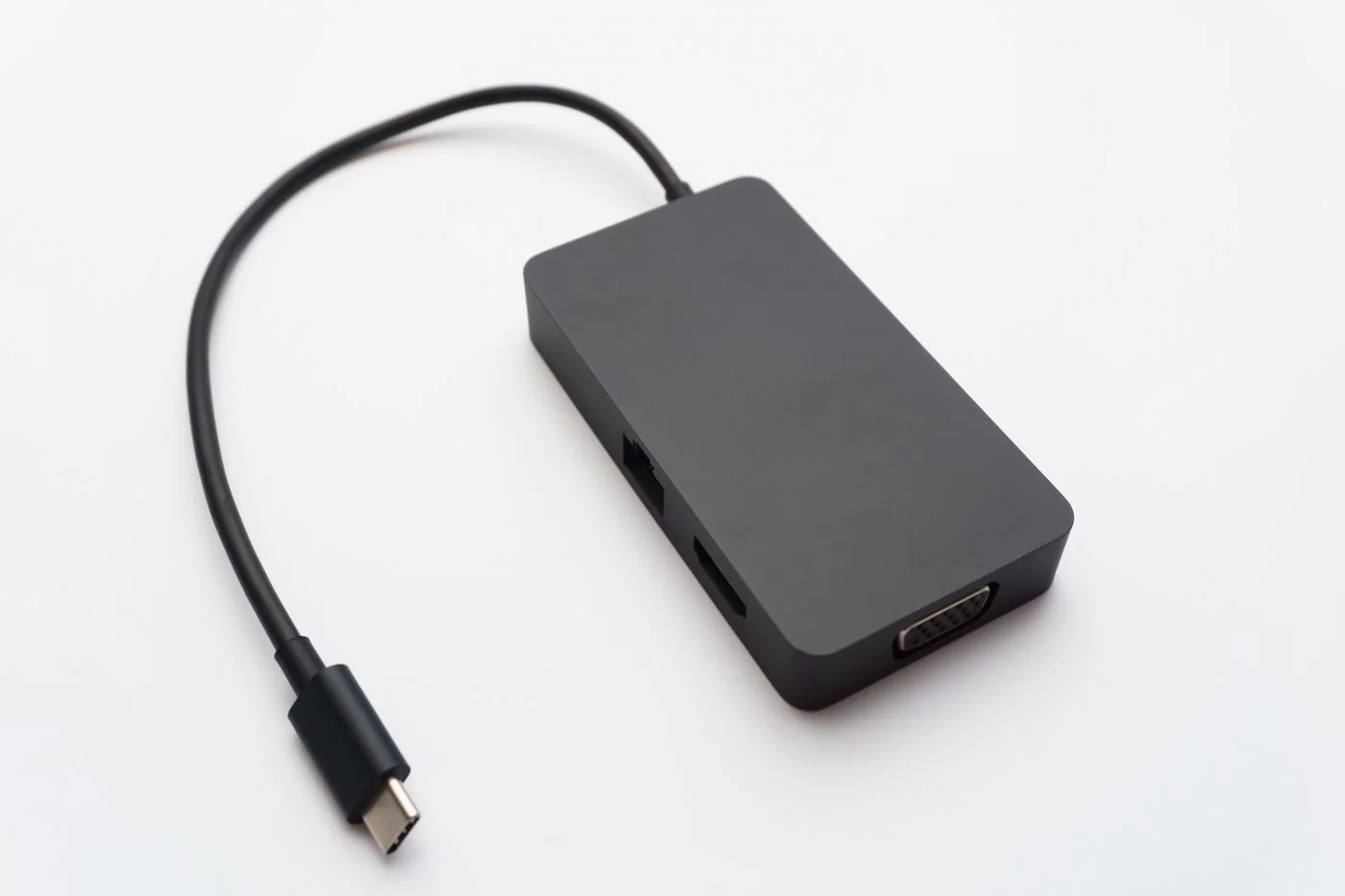
For a presentation, identify the display or projector input and the required audio route. Confirm that the laptop's chosen port supports video and that the adapter works in the necessary direction. Test a representative presentation, including any video or sound, through the adapter before packing it. A static desktop test does not check every part of the planned session.
For desk work, list essential accessories such as headset, mouse and any required wired network connection. Check whether an adapter needs software or administrator permission. A device that requires a driver you cannot install at the destination is not a dependable fallback for that visit.
Pack known working parts
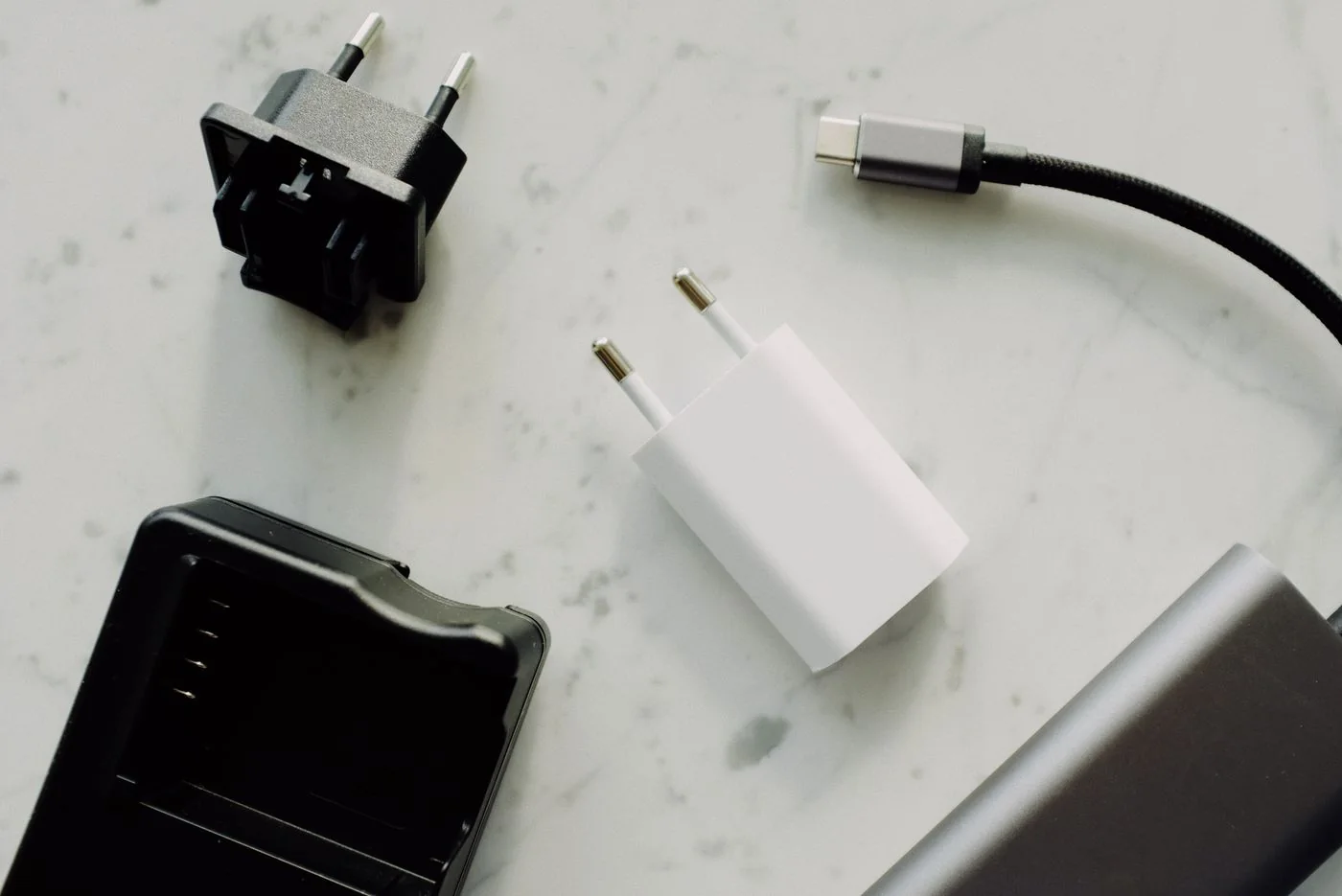
Use the laptop's suitable charger and a cable whose capability is known. If using a multiport charger, test the intended combination of laptop and phone together. Shared power allocation can differ from charging the laptop alone. Keep any mains travel adapter separate in your planning: changing plug shape does not itself convert voltage or make an unsuitable supply compatible.
Carry the specific display adapter and a suitable cable if the destination cannot provide one. Label parts that look alike but have different roles. Protect connector ends and avoid tight bends when packing. A small pouch with a consistent contents list makes a missing host cable easier to notice before departure.
Prepare a fallback that fits the visit
Have permitted offline copies of the documents you need and verify that they open without a connection. If a presentation cannot be shown from your laptop, an approved PDF copy may offer a limited fallback on another system, but it will not preserve every animation or interactive feature. Decide in advance what loss of functionality is acceptable.
Do not use an unknown public computer or removable device for confidential material simply because an adapter is missing. Follow the organisation's access and data-handling rules. If the venue cannot support the required arrangement, resolve that before travel rather than relying on an improvised transfer.
On arrival, connect and test before the meeting begins. Select the correct display input, confirm audio and check charging. After the visit, count the kit's components and note any incompatibility encountered. Updating the kit from real destinations is more useful than continually adding speculative adapters that have never been tested.