Compare time and zone separately
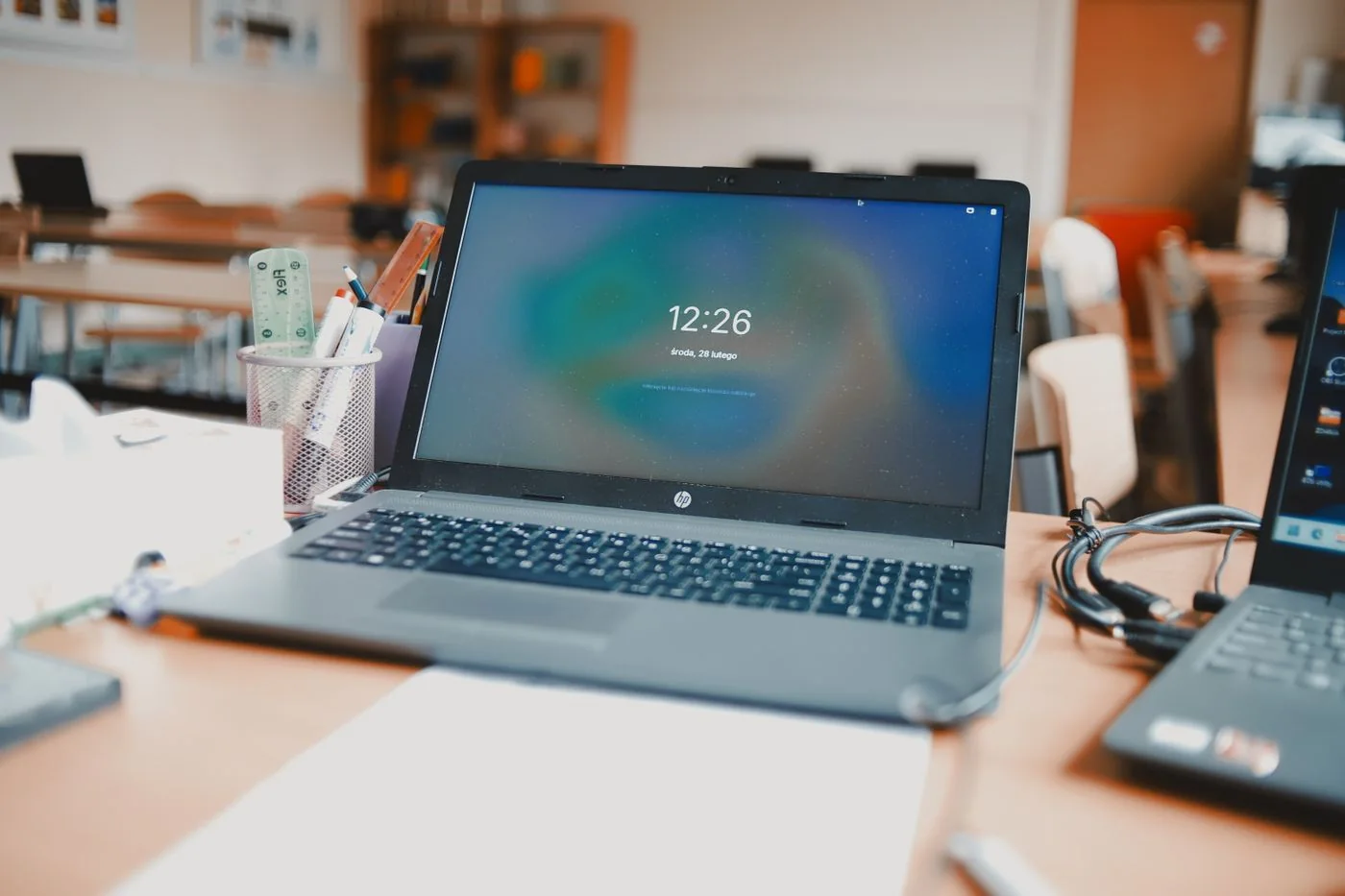
Open the system's date-and-time settings and check the selected time zone. Use the location where you intend the computer to display local time. Automatic time and automatic time-zone selection are separate features on systems that provide both. A correct internet time source does not compensate for choosing the wrong zone.
For a travelling laptop, confirm the current location rather than assuming it changed automatically. For remote work, remember that a calendar meeting can display according to the calendar's own time-zone setting. Compare the system clock with the calendar before concluding that an invitation was created incorrectly.
Restore ordinary synchronisation
Use the system's supported automatic time setting and synchronisation control where available. Make sure the computer has a working connection. Managed work computers may receive their time configuration from the organisation; ask the administrator before entering a different server or overriding a policy.
Do not bypass browser certificate warnings or change a document's timestamps to conceal the discrepancy. An inaccurate clock can interfere with authentication and secure connections. Correct the underlying setting, then retry the affected task. If an application still shows the old time, close and reopen it normally after saving work.
Investigate recurrence
Write down whether the time becomes wrong after shutdown, after travel or while the computer stays running. A recurring reset after complete power loss can have a different cause from a one-hour seasonal offset. Give the manufacturer or support team the model and this pattern rather than replacing an internal battery on guesswork.
After correction, verify the date, local time and the next calendar appointment. If files were created while the clock was wrong, keep that context with any troubleshooting notes. Avoid bulk-renaming or rewriting file dates unless there is a specific, understood need; the original timestamps may still be useful evidence of what happened.