Skip to content
fernholz
/ IT
Home
All guides
About this website
DE
/
EN
← All guides
24 guides
Computers & systems
Computers & systems
When your computer starts slowly
Read the guide
↗
Computers & systems
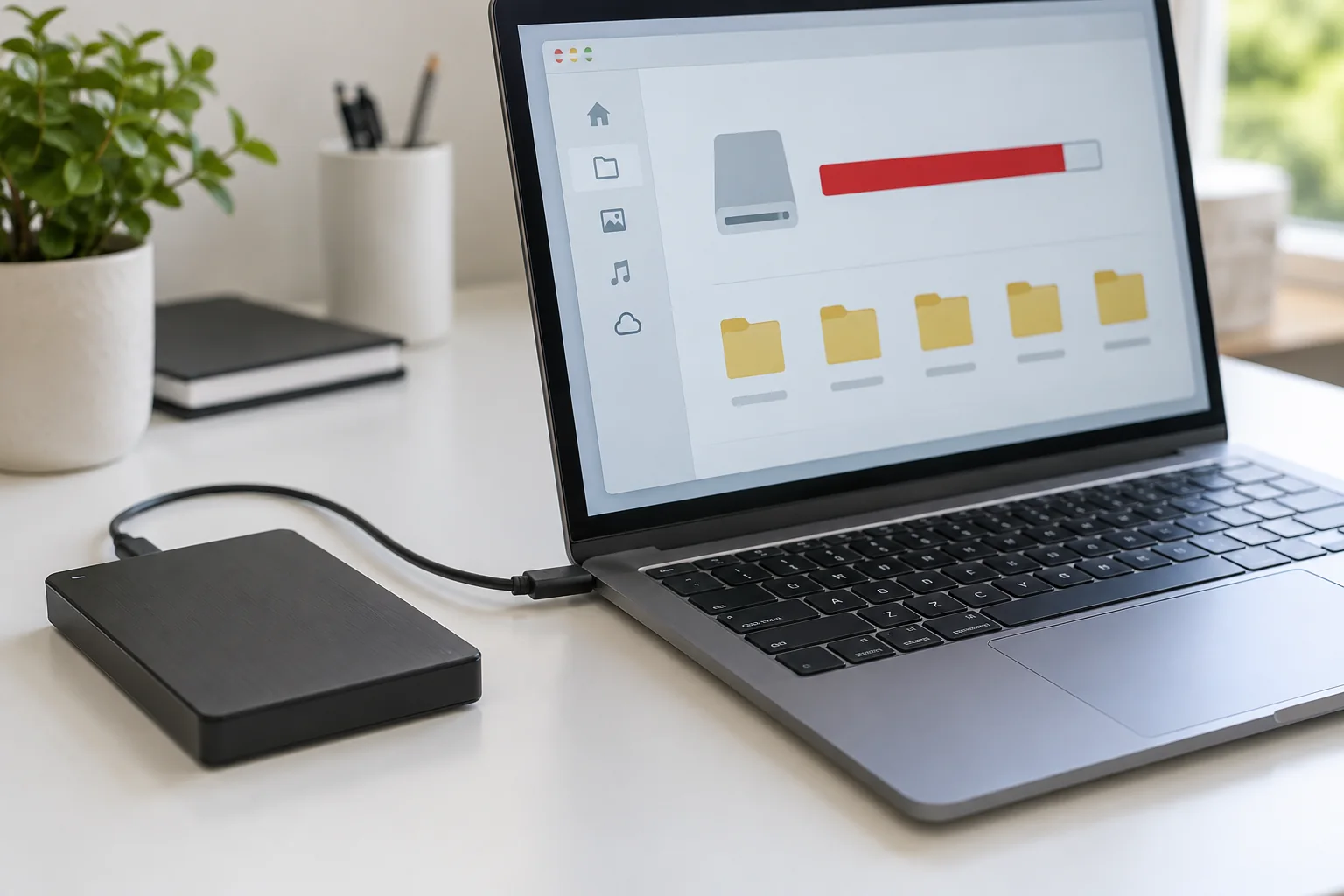
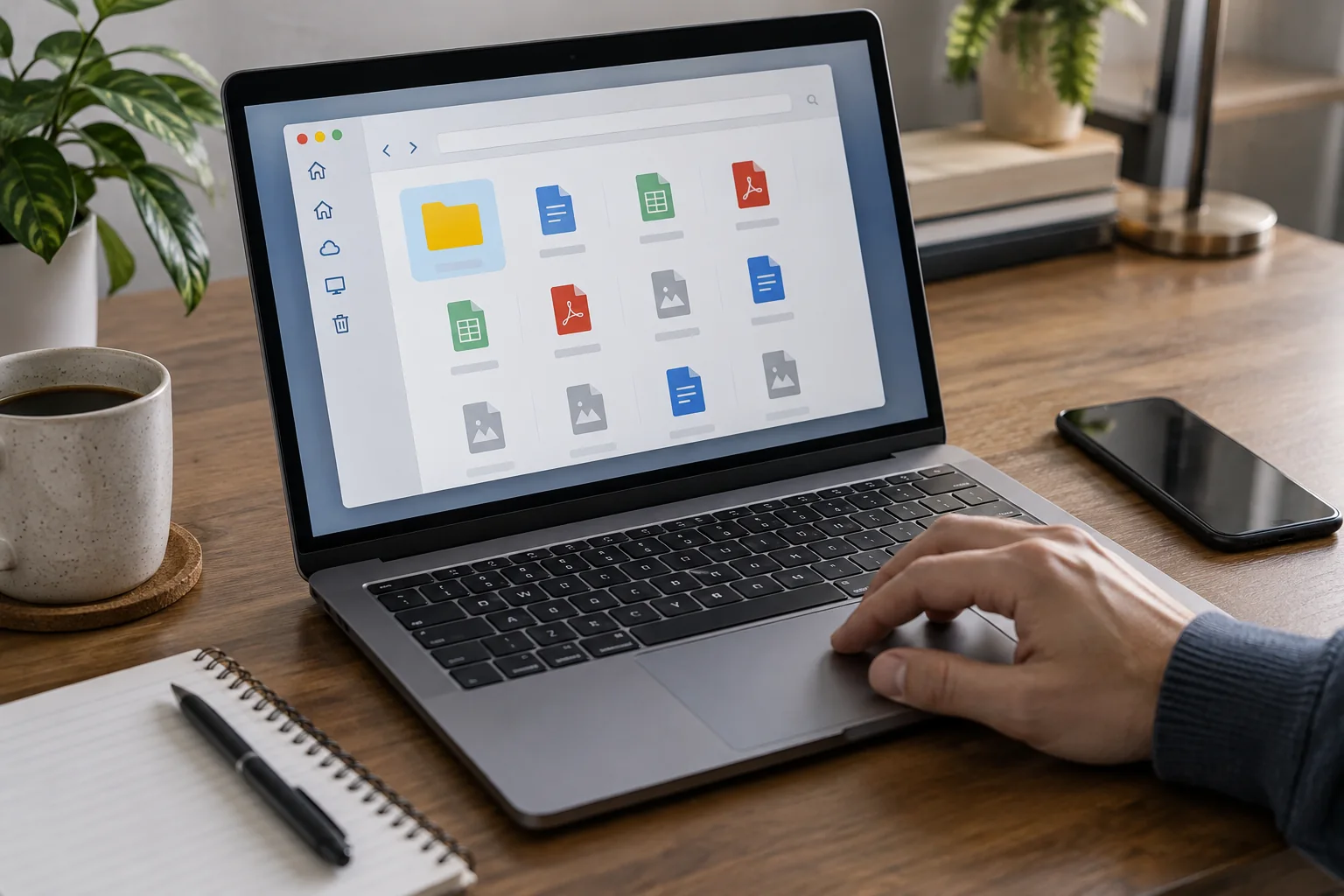
Free disk space without losing important files
Read the guide
↗
Computers & systems
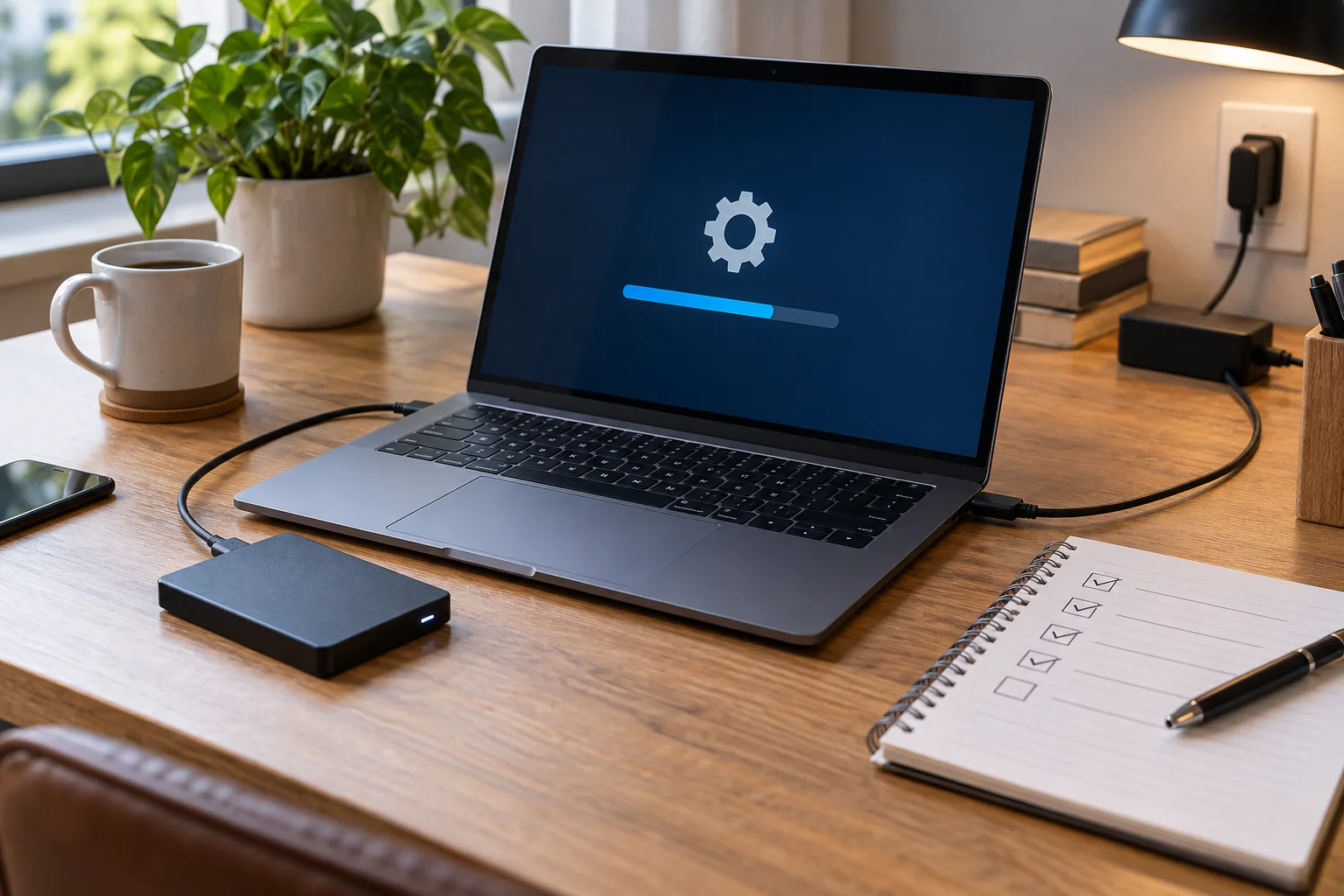
Prepare for a system update
Read the guide
↗
Computers & systems
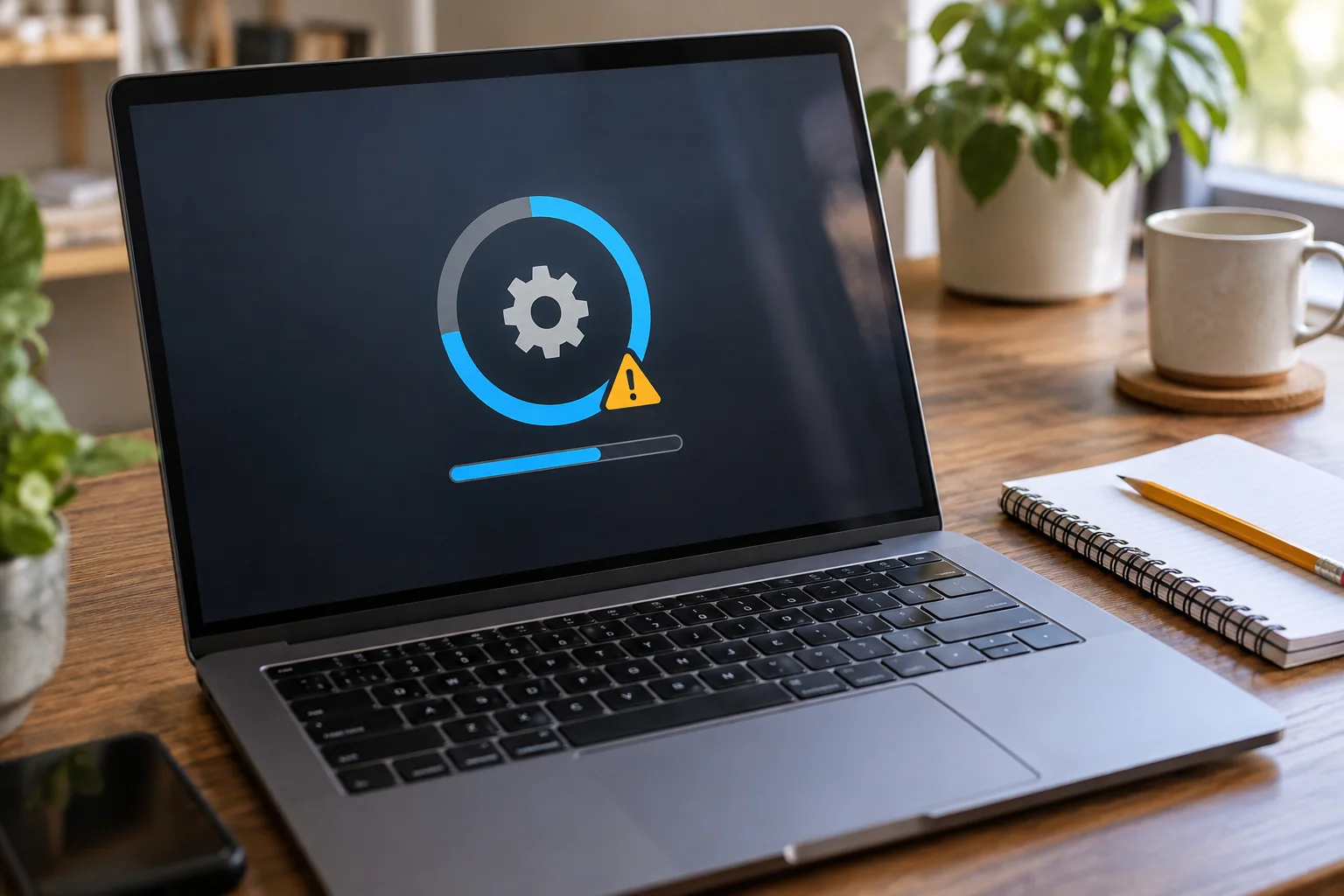
Investigate an update that failed
Read the guide
↗
Computers & systems
Set up a new computer in a sensible order
Read the guide
↗
Computers & systems
Move files to a new computer
Read the guide
↗
Computers & systems
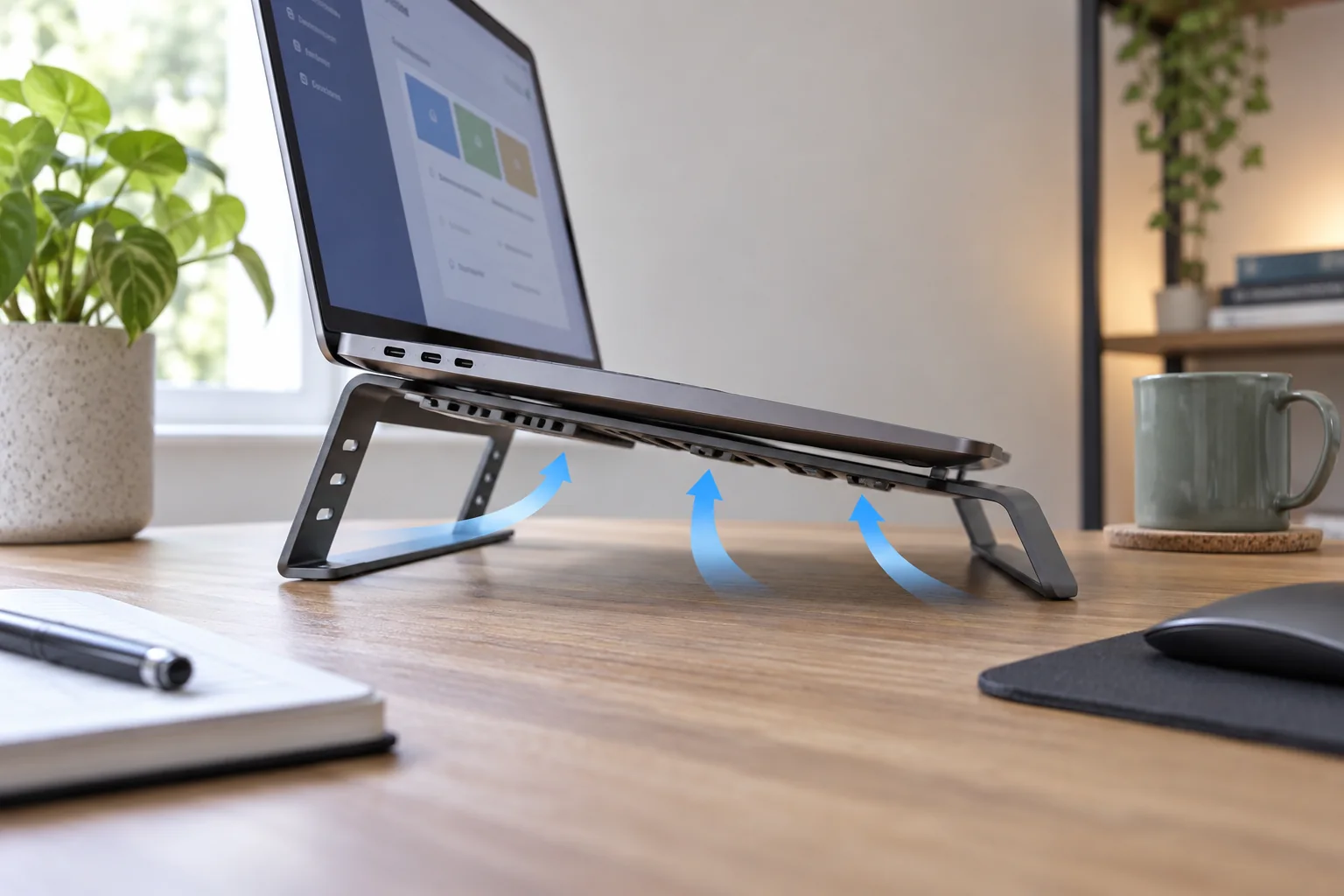
When a laptop becomes unusually warm
Read the guide
↗
Computers & systems
Investigate persistent computer fan noise
Read the guide
↗
Computers & systems
Investigate unexpectedly short battery life
Read the guide
↗
Computers & systems
A laptop will not charge: check power and connections
Read the guide
↗
Computers & systems
When a computer does not wake as expected
Read the guide
↗
Computers & systems
Handle an application that stops responding
Read the guide
↗
Computers & systems
Review applications that launch at startup
Read the guide
↗
Computers & systems
Investigate a slow browser
Read the guide
↗
Computers & systems
Separate work and personal browser profiles
Read the guide
↗
Computers & systems
Keep a downloads folder manageable
Read the guide
↗
Computers & systems
Open files with the intended application
Read the guide
↗
Computers & systems
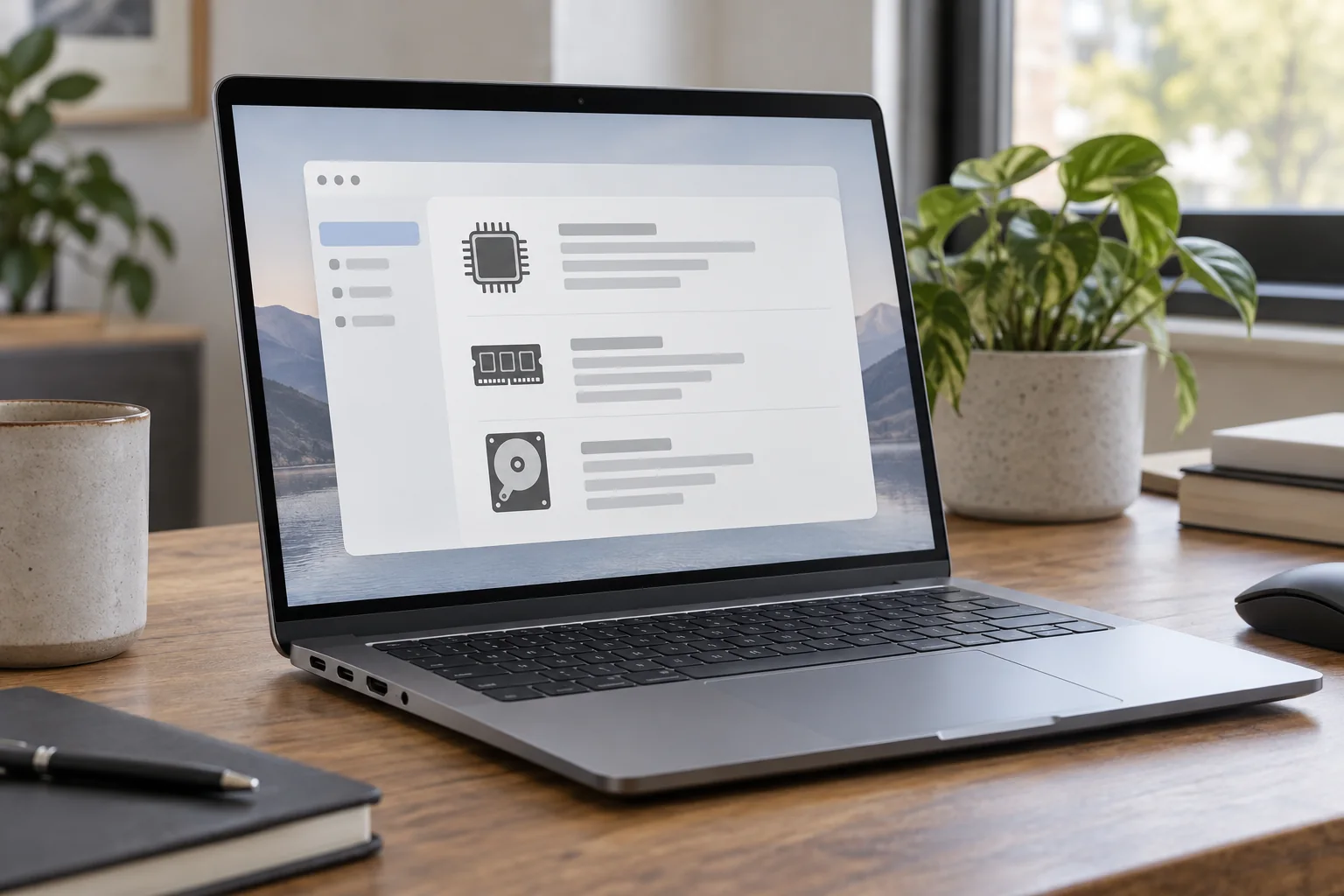
Find the device model and system version
Read the guide
↗
Computers & systems
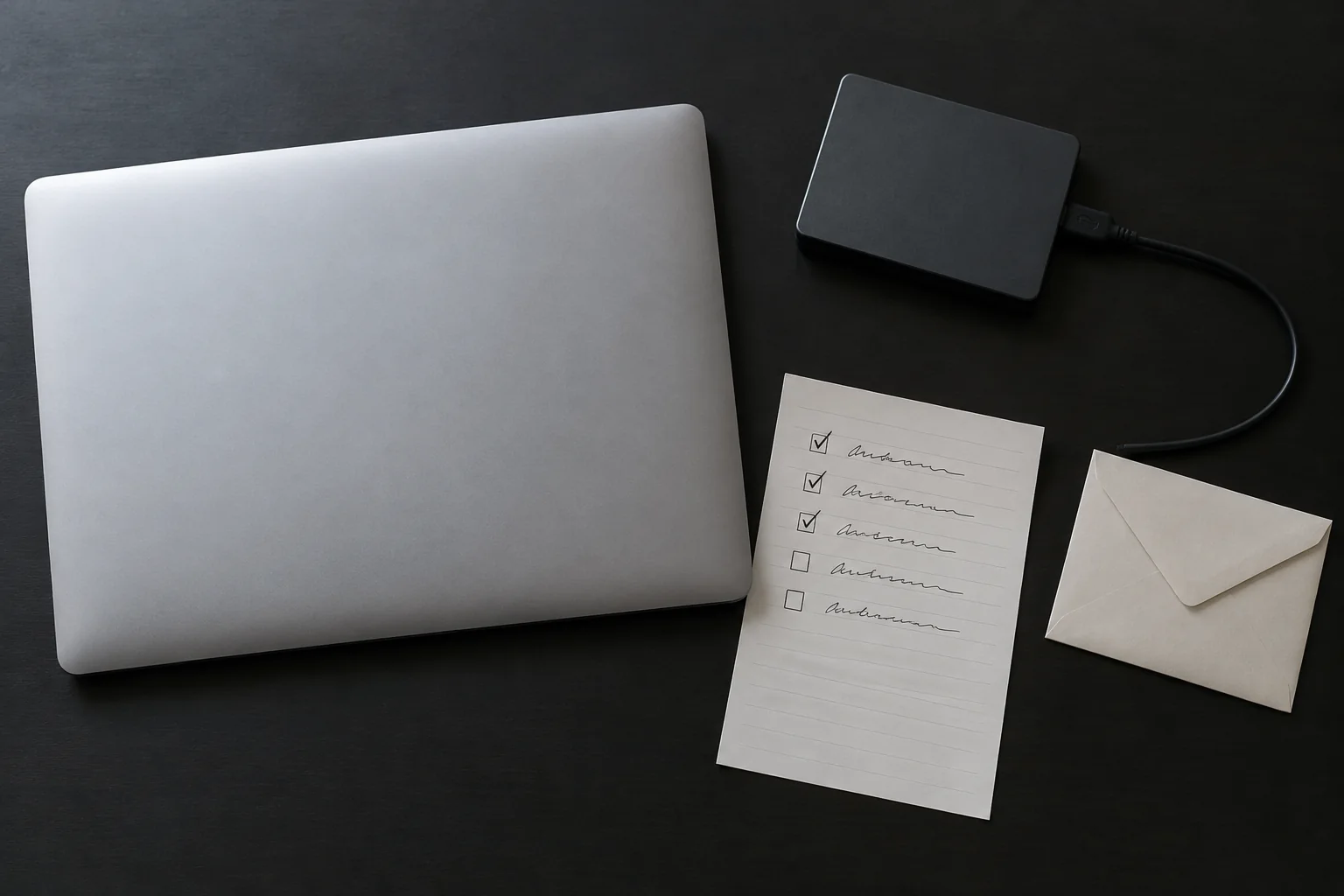
What to prepare before resetting a computer
Read the guide
↗
Computers & systems
Resolve an unexpected keyboard layout
Read the guide
↗
Computers & systems
Investigate an incorrect computer clock
Read the guide
↗
Computers & systems
Install software from the right source
Read the guide
↗
Computers & systems
Prepare documents for working offline
Read the guide
↗
Computers & systems
Write a useful computer fault report
Read the guide
↗