Describe the observation before the theory
State the task you intended to perform, the last action and the result. Copy an error message exactly, including its code. Add the approximate time and whether it happens every time or only occasionally. Keep a guess such as “probably the driver” separate from what you actually observed.
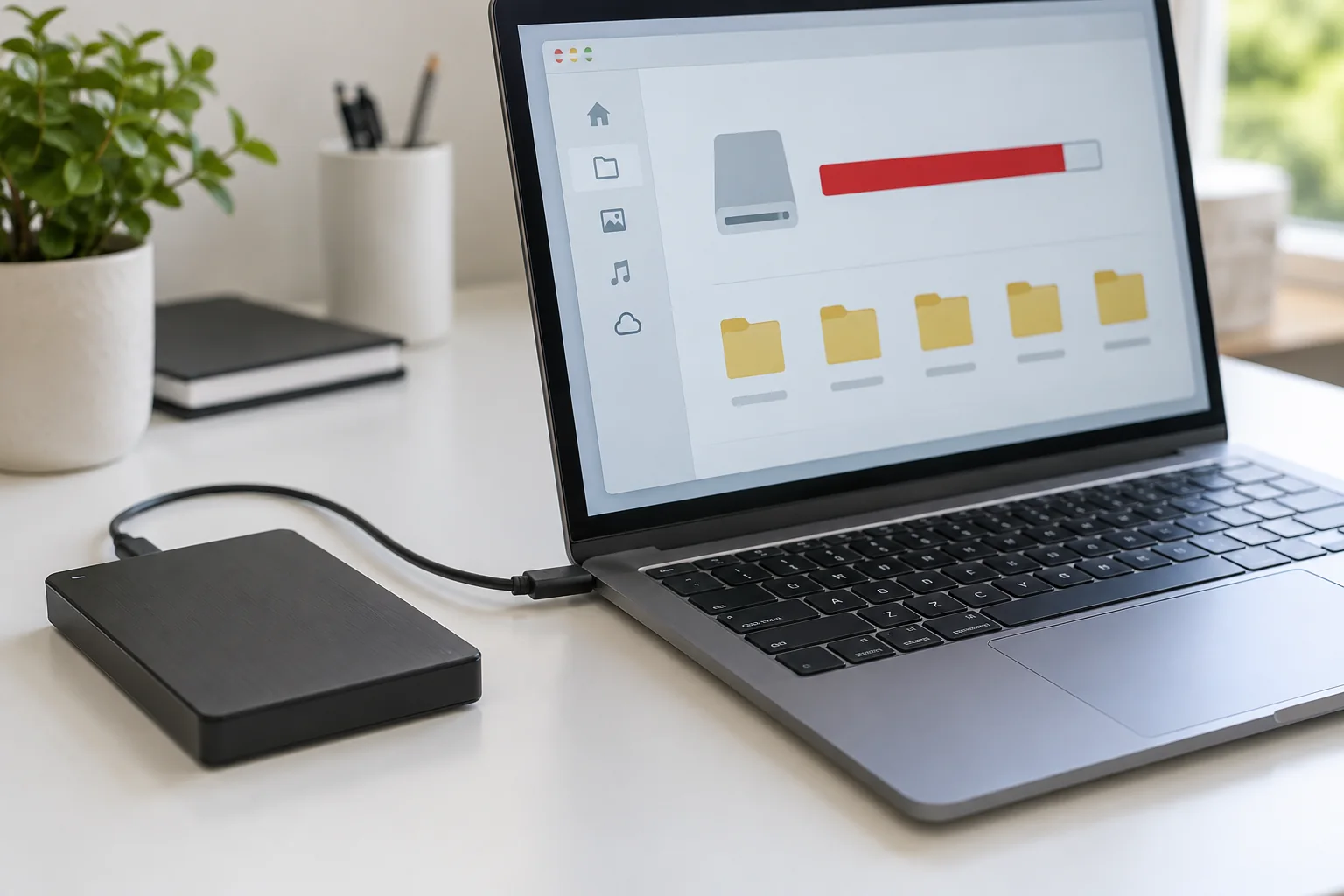
Include the device model, operating-system version and affected application version. For a connection problem, list the path: computer, dock, cable and monitor, for example. A simple description of the chain can reveal a component that would otherwise be omitted from the conversation.
Record changes made shortly before the fault: an update, new accessory, different network or moved desk. This establishes timing, not proof of causation. Avoid presenting the most recent change as definitely responsible unless a controlled comparison supports that conclusion.
Make evidence usable and private
Capture a screenshot if it shows the relevant message, but crop or obscure confidential material first. Do not include passwords, recovery keys, private customer records or unnecessary account identifiers. Send logs only through the support provider's approved channel and review what they contain when possible.
List tests with their outcomes. “Direct cable works; connection through the dock fails” is useful. “Tried everything” is not. Mention any temporary workaround and whether important files are backed up, especially before discussing a reset or repair that could affect storage.
End with the impact: unable to print, intermittent calls or total inability to sign in. Explain any real deadline without inventing urgency. Keep the original report and append new results rather than rewriting the history after each attempt. This gives the next person a stable account and prevents the same unsuccessful tests from being repeated without reason.