Identify the devices and accounts involved
List where you sign in: the work computer, personal phone and perhaps another computer you own. Check that the manager supports those systems and browsers. Organisation rules apply to work credentials. A personal vault is not automatically the correct place for centrally managed company access.
Also decide whether credentials are solely yours or need an intended sharing arrangement with other authorised people. Distributing one master password is not an appropriate shortcut. Team functions should make accounts and permissions identifiable. Before choosing, inspect actual features and conditions rather than relying on the product's marketing label.
Prepare access to the vault
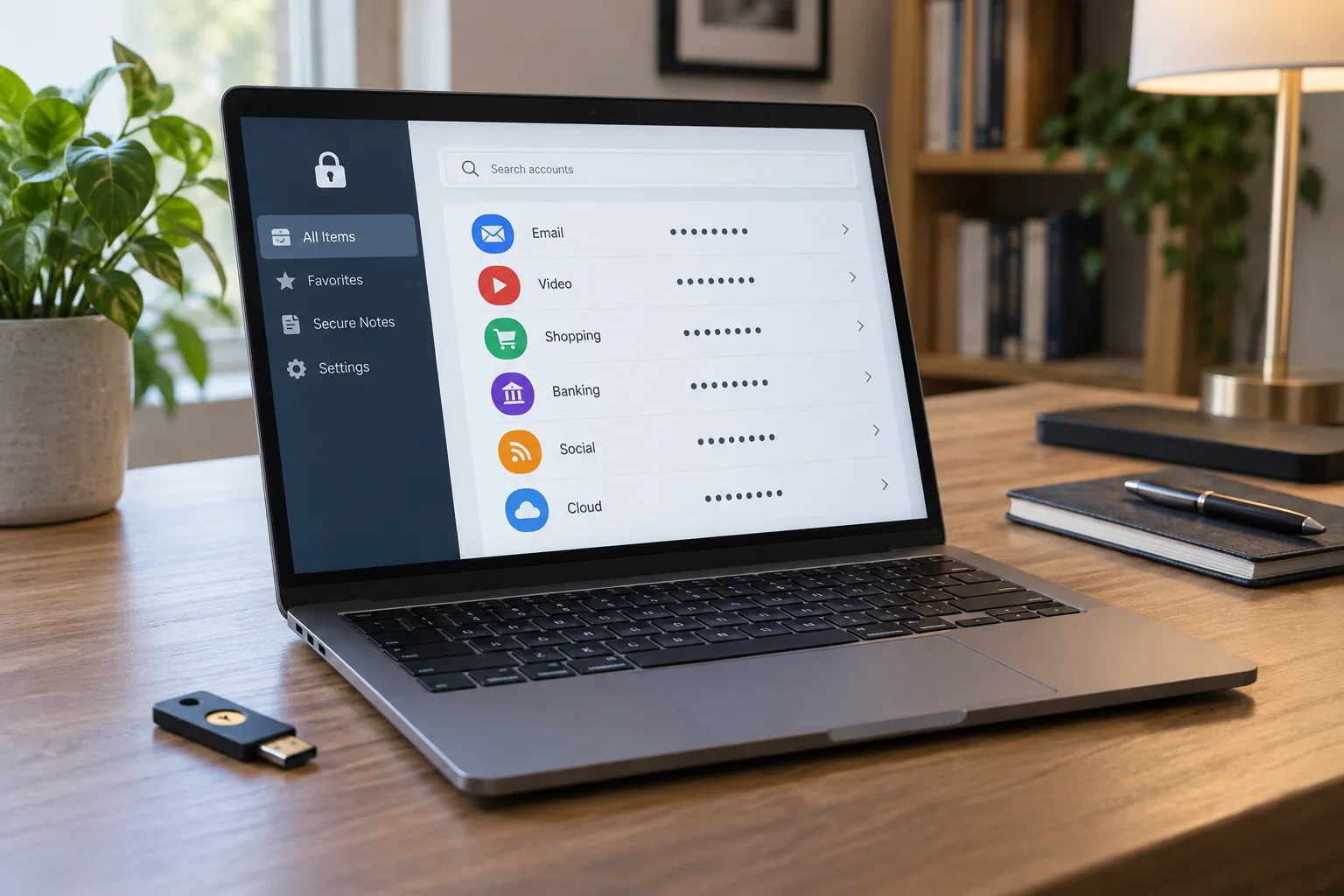
Install the application or extension from the official provider or its linked official store. Check the publisher to avoid a similarly named extension. Create a strong, unique master password not used for another service. A long, memorable and unpredictable passphrase may suit this purpose.
Read what recovery the provider actually supports. Under some arrangements, support cannot simply replace a forgotten master password while preserving access to the encrypted contents. Record the intended emergency procedure and keep necessary recovery information protected outside the only vault it would unlock.
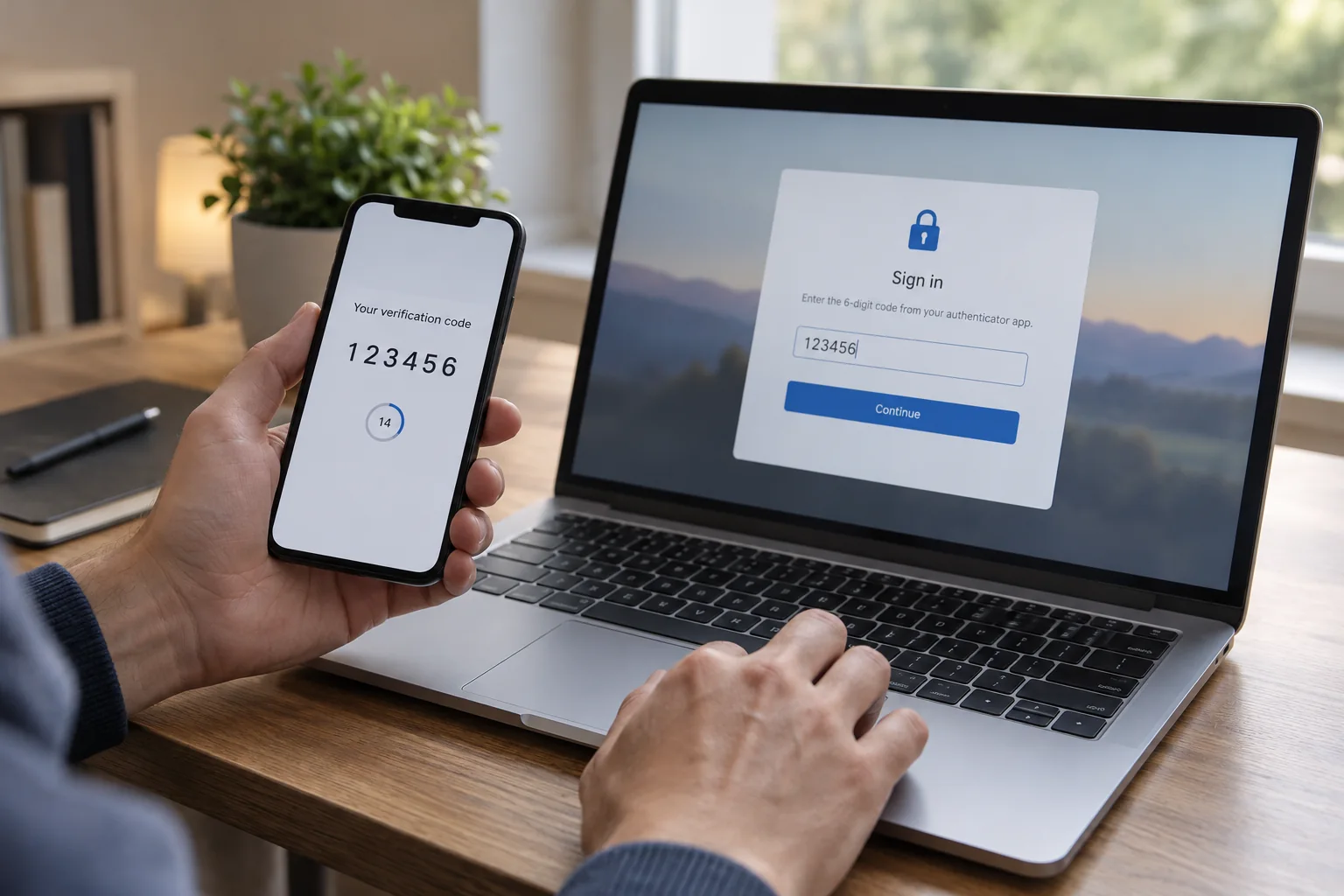
Enable additional sign-in protection where available and arrange its fallback. The second factor must not exist solely on the same unavailable device in a loss scenario. Check the requirements for a new device and a full sign-out. Biometric unlocking on your everyday computer is convenient, but does not automatically replace credentials needed for a fresh installation.
Practise with two or three accounts
Start by adding a less critical existing account. Store the service address, username and correct credentials. Then test sign-in through the known official address. Are the username and domain correct, and is the intended entry offered? Give similar-looking entries clear labels.
For another account, generate a new unique password and change it through the service's normal account settings. Save the new state clearly and test sign-in before removing old information. Avoid changing ten accounts at once; one mistake would then be harder to trace.
Notice whether the manager matches the address correctly. If an alleged sign-in page does not offer the expected entry, inspect the domain carefully. Do not force credentials into the page merely because it looks familiar. Deliberately opening the correct service address still matters when using a password manager.
Transfer existing material with checks
Importing can save time but may produce duplicates and outdated entries. Inspect a sample afterwards. Have special characters, usernames and site associations survived? An import report listing many transferred rows does not establish that every login works.
Exports from browsers or other managers may contain unencrypted passwords. Create such a file only when the intended migration process requires it, protect it while in use and remove it after successful verification. Do not leave a copy in Downloads, an openly shared cloud folder or an email attachment where it creates a second, unprotected credential collection.
For imported entries, also check whether the stored password is still current. Previous access may have depended on an existing session while the saved credential had been outdated for months. Keep a working session available during the first controlled test. If the stored login fails, use the account’s official recovery process and save the confirmed replacement afterwards. Remove contradictory duplicates only once the working entry is clear. A tidy list of incorrect credentials is not a successful migration, even if the import tool reports that every item transferred without an error.
Test everyday use and recovery
Set an appropriate automatic lock and check what happens when the computer locks. Sign in on a second device you own using the documented process. This verifies synchronisation and the additional factor while the original device remains available, rather than discovering a missing step after it is lost.
Keep a short instruction that contains no exposed passwords but identifies the protected emergency location. Review it after replacing equipment. If you later change managers, plan export, migration and removal of old shares as deliberately as the first setup. The benefit comes from a maintained access arrangement, not simply from having a browser extension installed and assuming every recovery problem is solved.