Understand the methods offered
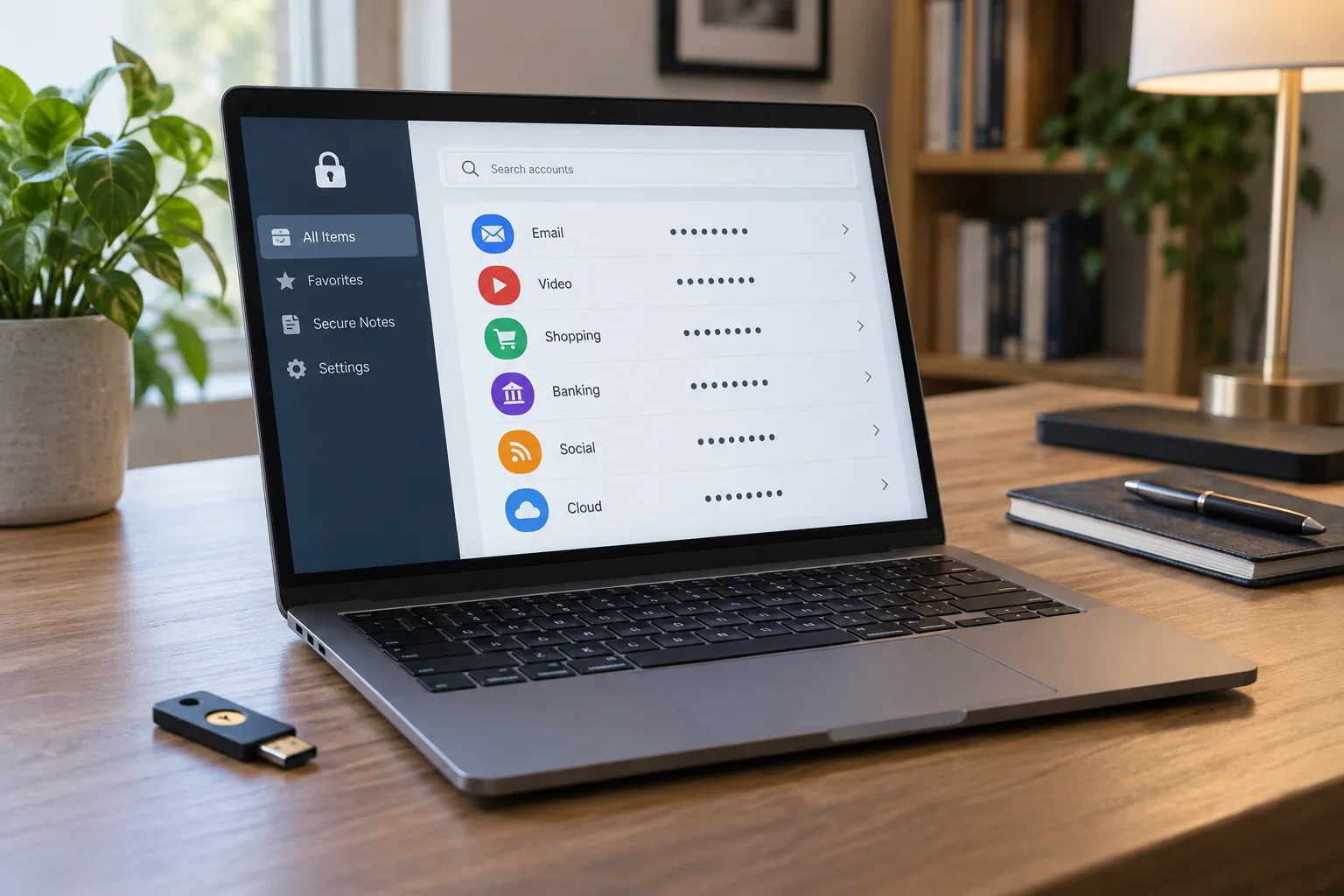
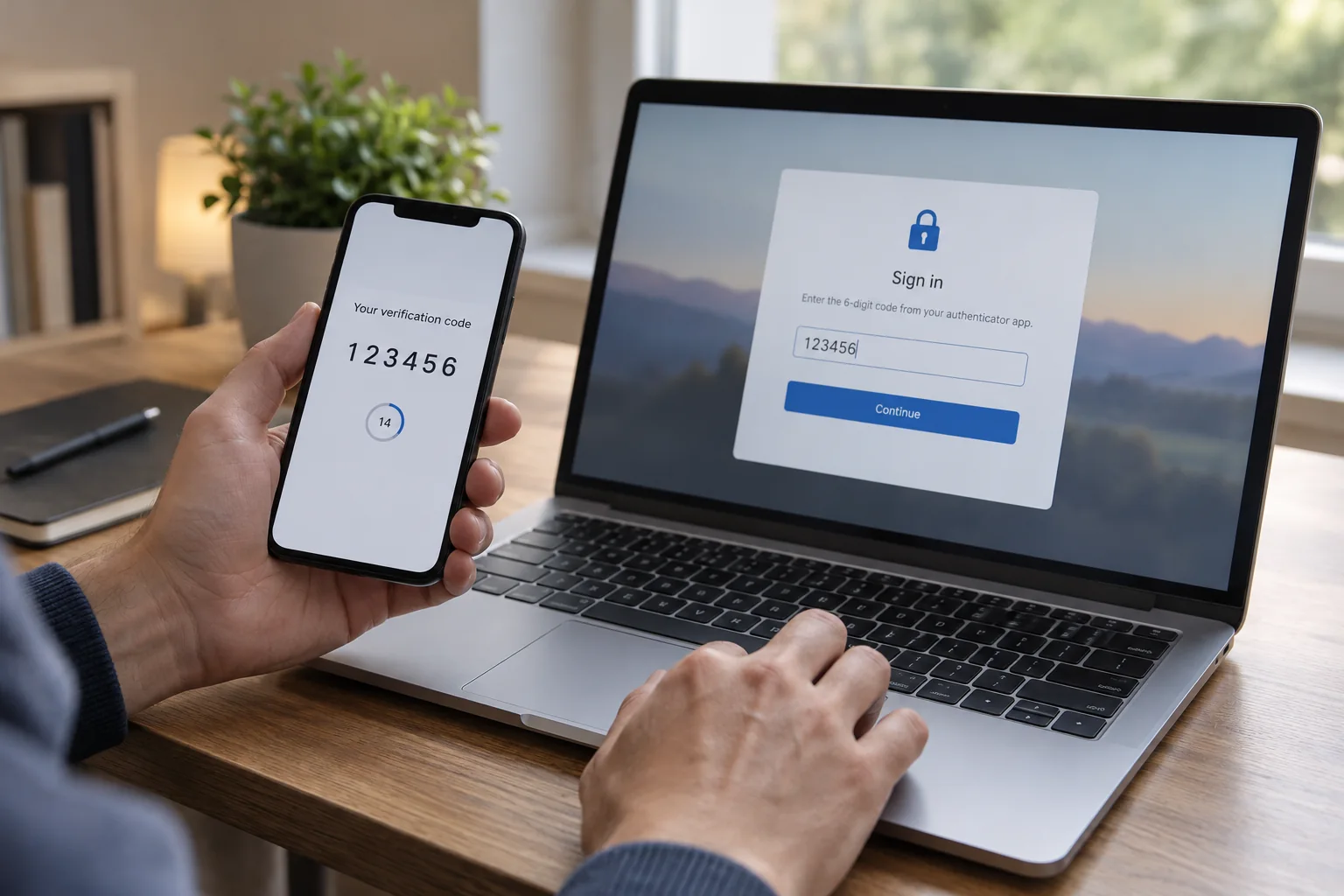
Services may offer an authenticator application, security key, text message or other verification methods. These differ in operation and protection. Where possible, use a stronger supported method without removing existing protection before its replacement works. For work accounts, the organisation often determines permitted methods.
Check which devices you own must support the method. A security key needs compatible connectors or supported wireless communication. An authenticator application may offer transfer or protected recovery, but this is not universal. Read the actual process before resetting or handing over the old phone.
Set up the fallback in the same session
Open account security through a known address. Confirm which account you are changing, especially if several accounts are signed into the browser. Follow the official setup process and approve only a confirmation you initiated. Do not accept unexpected prompts out of habit.
Store any recovery codes in a protected location accessible without the single affected device. Where appropriate, register a second security key you own or another permitted fallback method. Do not keep every backup method in the same laptop bag if losing that bag is the scenario you are trying to address.
Record the service and type of fallback without exposing codes in a general equipment list. Check whether recovery depends on another email address or telephone number and whether that route will itself remain available.
Test a fresh sign-in
Initially leave the existing session open and start a normal sign-in on a second device you own or an appropriate separate browser context. Verify that both the password and additional factor work. Testing the already authenticated tab proves little because the service may not request verification again.
Learn how to select an alternative method without unnecessarily consuming all recovery codes. If you use a one-time code for a test, mark it as used afterwards. Keep only the current valid list and understand whether generating replacements invalidates previous codes.
Update the arrangement when devices change
Before replacing a phone, transfer or replace the method through the service's instructions and test the new login. Remove the old method only after the replacement works. If a device is lost, use the prepared official recovery route and then remove devices no longer under your control from account settings.
Occasionally reviewing registered methods prevents old telephone numbers or unfamiliar devices from remaining permanent access routes. The second factor then becomes part of a maintained account, rather than an option enabled once and forgotten until a device fails. Keep the instructions accessible without placing the secret values themselves in an unprotected note.