Begin with central accounts
Prioritise the email account used to reset other logins, along with important work and cloud accounts. Check that recovery details are current before changing credentials. A new password helps little if an outdated second factor then prevents you from signing in.
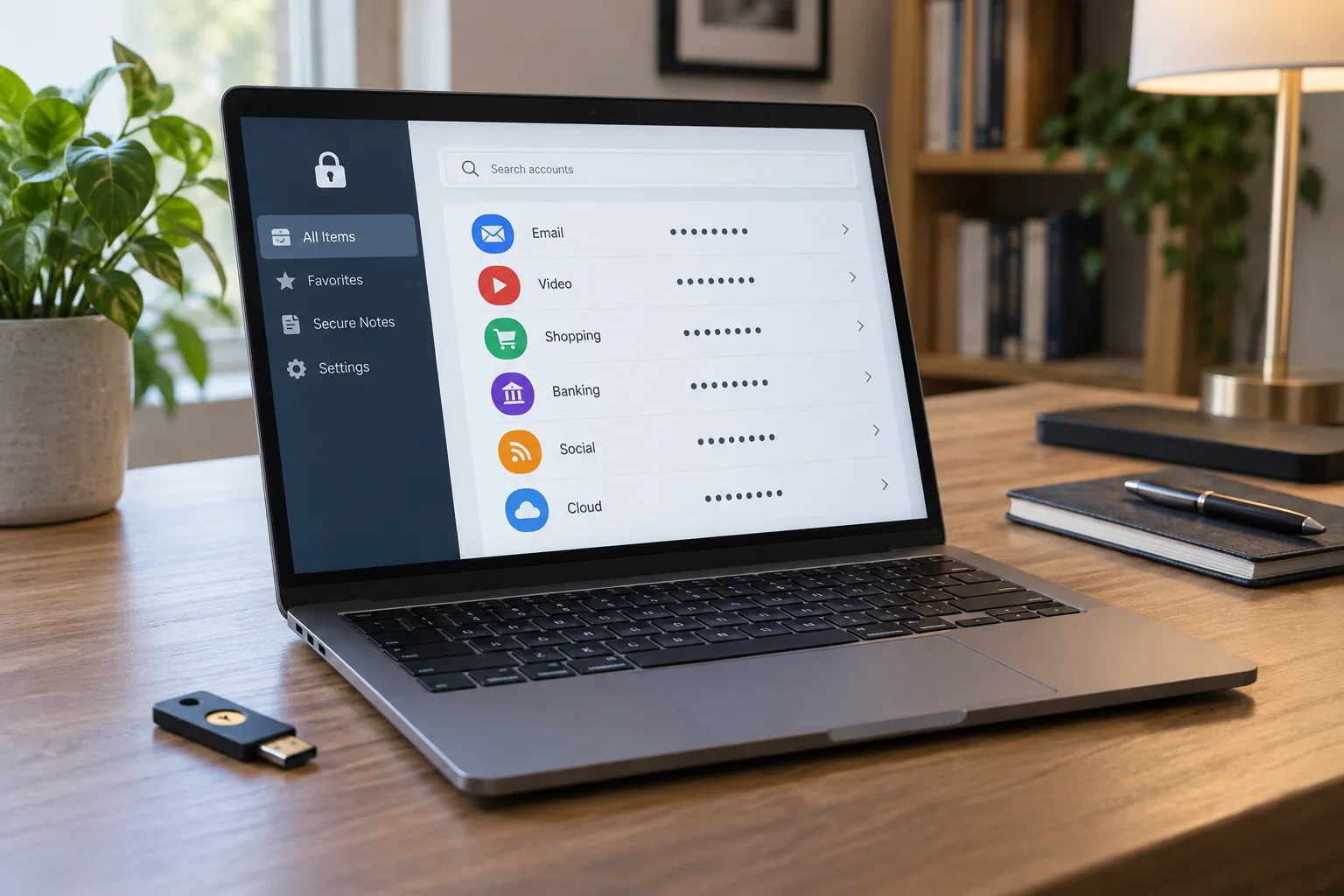
Track affected accounts in a protected list or password manager. Do not create a plain spreadsheet of exposed passwords. Record which logins have been reviewed instead. If a particular credential combination is known or suspected to be compromised, its reused instances take priority over a general cleanup order.
Make every replacement independent
Generate a separate long password for each service according to its requirements, preferably using a suitable password manager. Reusing one root word with the service name or a different year attached is poor separation. Open account settings through a known address you choose, not an unexpected message link.
Change one account at a time, save the updated entry and test sign-in. Notice whether other devices or applications need to authenticate again. Work accounts may have additional procedures; coordinate shared access with the responsible person rather than changing it without warning.
Review the surrounding access controls
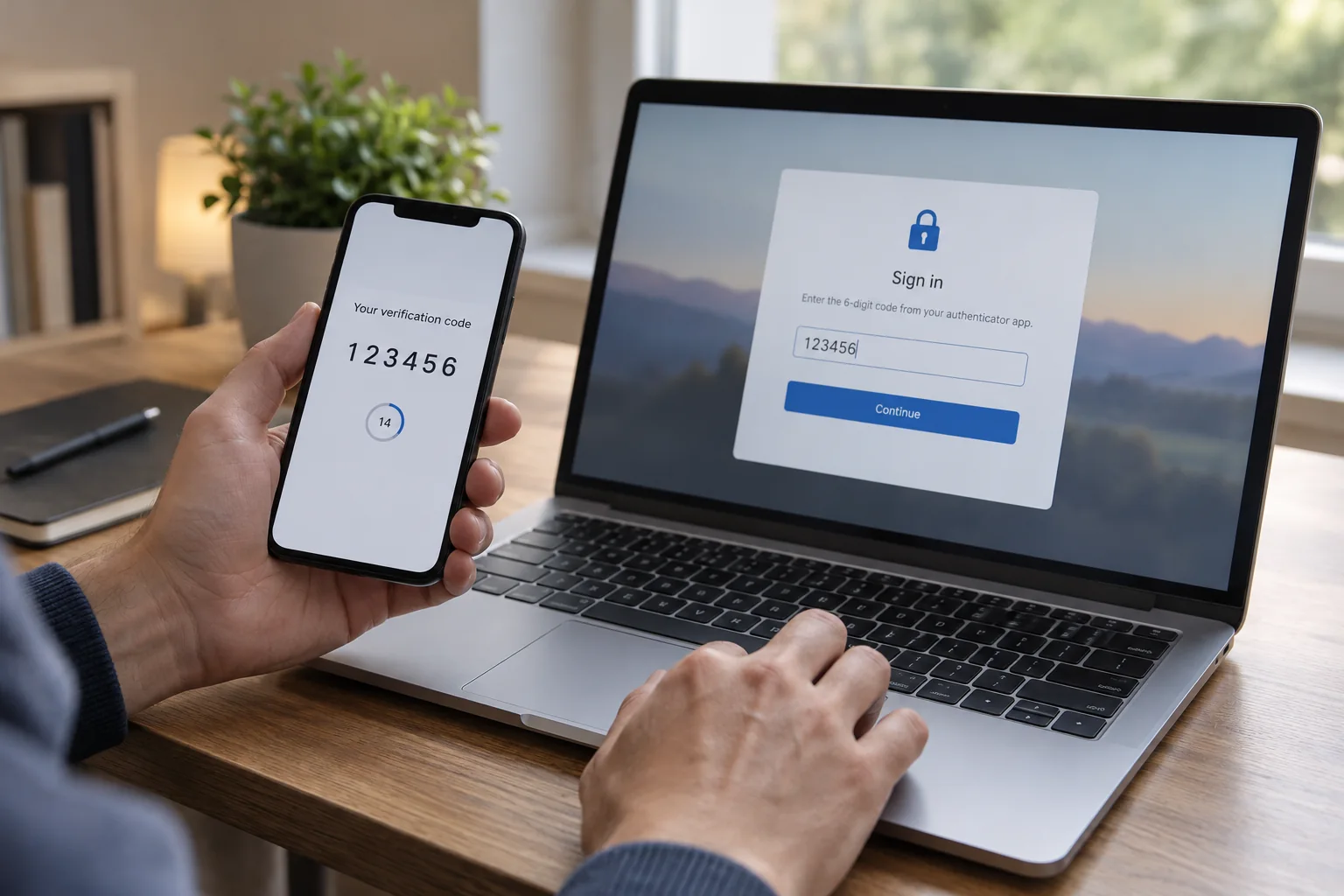
Enable suitable additional sign-in protection where available and prepare its recovery route. If unauthorised access is suspected, review active sessions and recovery information through the service's official security functions. Changing a password does not automatically end every existing session with every provider.
Work through remaining accounts in manageable groups. Unneeded accounts can be closed after reviewing their data and dependencies. Keep the checklist until completion so an important but rarely used login is not overlooked. The aim is independent credentials and a usable recovery arrangement, not merely a large number of changed passwords with no record of whether they work.