Separate but accessible to you
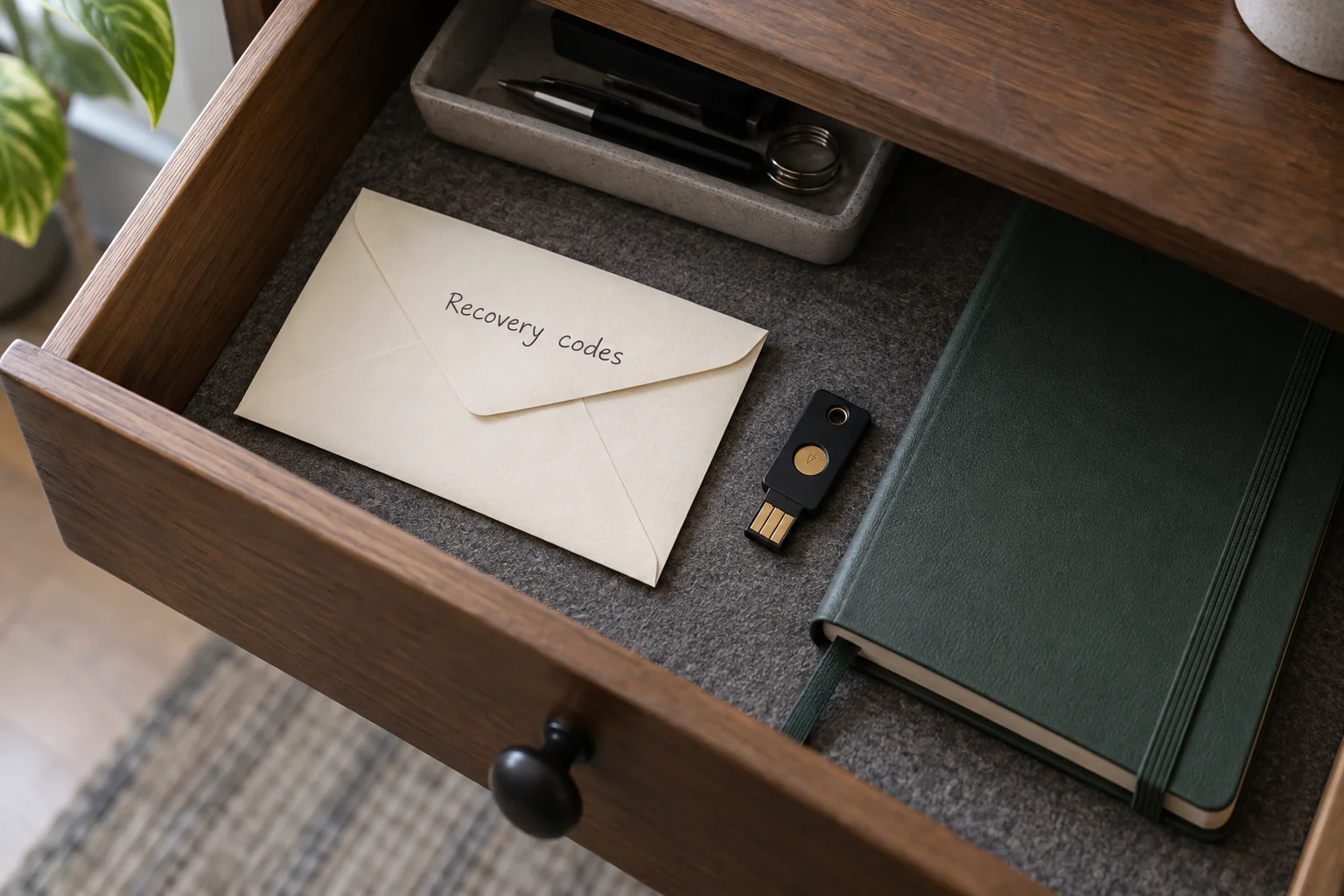
Choose a protected location that does not depend exclusively on the affected account. A securely stored paper copy or suitable protected storage may work. The actual failure scenario matters: if a cloud account is locked, its only recovery code must not exist solely inside that account.
Label the codes so the relevant service and account remain identifiable without placing unnecessary additional secrets beside them. Keep the information away from unauthorised people. In a team, only the designated authorised role should have access to the corresponding recovery information.
Understand validity and consumption
Read the particular service's instructions. Google backup codes, for example, are single-use, and generating a new set invalidates the previous set. Do not assume every other provider behaves the same way. Some use one recovery key with different rules.
After using a code, mark it accordingly. Replace old lists at every intended storage location when new codes are generated. Several unlabelled printouts can leave you trying only invalid values during an emergency. A creation date helps distinguish the current set from superseded material.
Use codes only in the intended sign-in process
Enter a code only at the appropriate recovery step on the official sign-in page you deliberately opened. Do not send it to someone claiming to be support. A working access credential belongs neither in a public help forum nor in an error screenshot.
After changing devices, check that you can still locate and access the protected storage. If codes may have been exposed, replace them through the service's security controls and review account access. Separate storage should address the loss of one device without creating an easily accessible alternative login for other people. Knowing where the codes are is useful only when the stored set remains valid.