Start with the device itself
Check the supplied power adapter, screen, keyboard and ports for obvious problems. Keep the packaging and purchase information while you establish that the hardware works. Connect to a network you control and complete the initial system setup using the account arrangement appropriate to the device. A company-owned computer may need enrolment by its administrator rather than a personal account.
Install operating-system updates through the built-in updater. Allow the required restarts before installing a long list of applications. Check the manufacturer's support page for your exact model if additional drivers are required. Avoid generic driver-download services that cannot establish the correct model and configuration.
Secure access before adding valuable work
Choose a strong sign-in method and configure account recovery. If encryption is enabled, verify where its recovery key is stored and that you can retrieve it from another device. Check that the system's security protection is active. These steps should happen before the computer becomes the only place holding current documents.
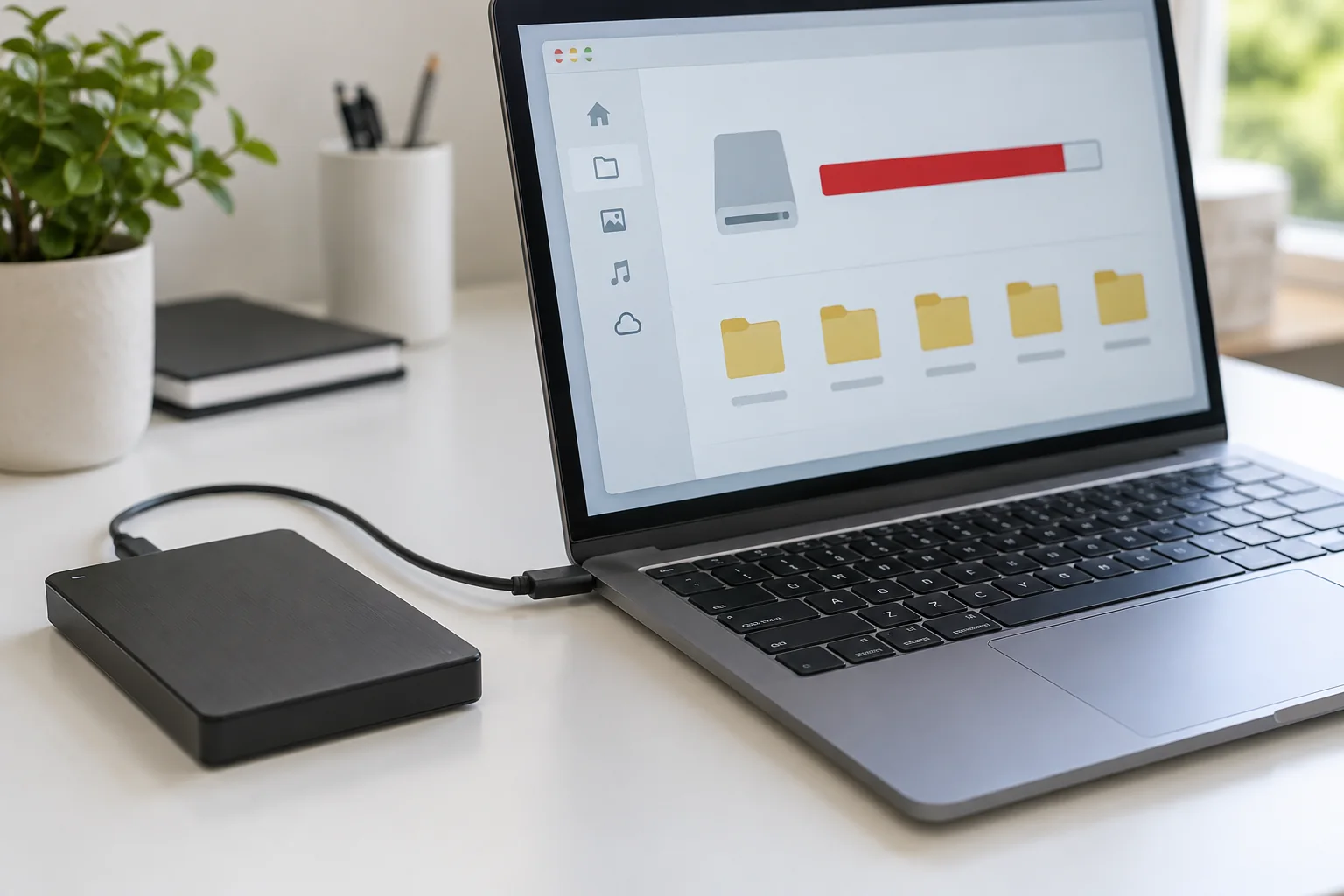
Set a useful device name if several computers appear in your account or network. Then configure a backup destination and run a small test. Creating a backup schedule without confirming a successful run leaves an important assumption untested.
Install for a real working day
List the applications needed for one ordinary day: browser, document editor, communication tool and any specialist program. Install them from the publisher or an appropriate official store. Sign in and verify licences. Transfer a small selection of representative files first, including any unusual formats, and confirm that they open and can be edited.
Connect the equipment you genuinely use: monitor, dock, headset, printer or scanner. Test the functions that matter rather than only checking whether the device appears in a list. For example, a printer recognised by the system still needs a test print from your usual application.
Finish the move in stages
Transfer the remaining files with a checklist of source folders. Confirm cloud synchronisation has completed, and distinguish online-only files from files stored locally. Retain the old machine and an independent backup until you have completed several normal tasks on the replacement.
Only then consider removing accounts or erasing the old device using its supported process. Keep recovery information, licences and the final backup accessible. The goal is a verified changeover, with enough overlap to discover a missing template or overlooked folder before the original disappears.