Choose the storage location deliberately
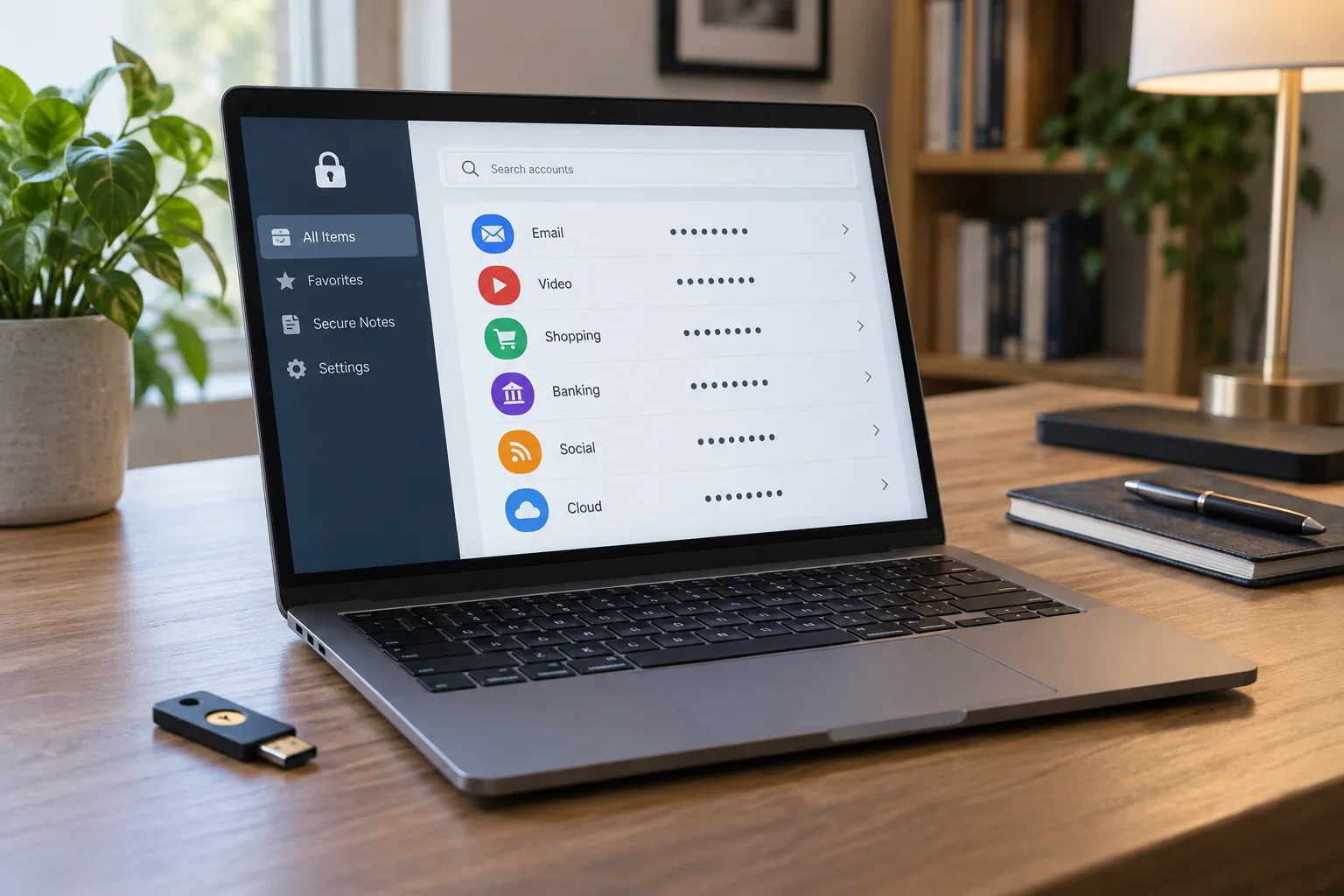
During creation, the system may offer device storage, a password manager or a suitable security key. Read the choice rather than accepting the first suggestion automatically. Record which account or service manages your passkeys. A device-unlock prompt alone does not establish where a passkey is permanently stored.
Create passkeys only on devices and accounts you control and are authorised to use for this purpose. On a shared computer, another person able to unlock the device may also be able to initiate sign-in. Signing out of the website does not necessarily remove the passkey created there.
Try another device
Check current support across the operating system, browser and selected passkey provider. Not every combination offers the same storage and synchronisation features. A passkey may be usable through a nearby phone without being stored on the computer. The relevant sign-in method has its own requirements, such as an enabled proximity connection.
Test access on a second device you own while the first remains available. If the passkey appears automatically, identify the synchronised store responsible. If not, check the intended cross-device sign-in method or register an additional permitted method. Do not copy arbitrary internal files as a supposed passkey export.
Plan separately for losing devices
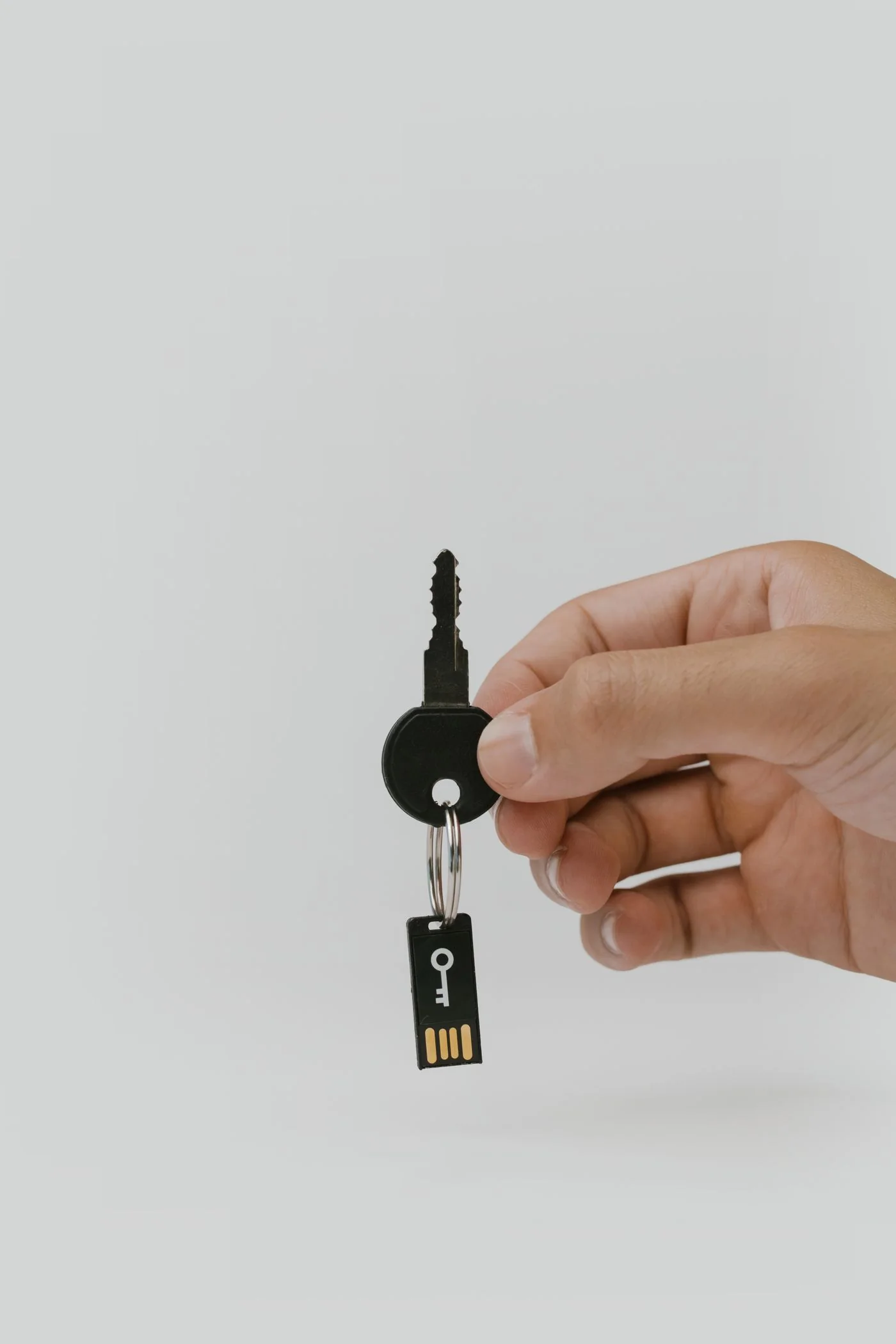
Establish how the service handles recovery if all available devices are lost. A synchronised passkey also depends on access to the account performing synchronisation. A physical security key can be lost. An appropriate reserve may be another registered key, a different allowed factor or a documented account-recovery procedure.
Do not remove existing sign-in methods prematurely before testing the replacement arrangement. Some services retain passwords and recovery options after a passkey is created; others apply different rules. Inspect the actual account settings. Managed work accounts may have additional organisation requirements.
Review access when equipment changes
Before passing on a device, remove personal accounts and passkeys according to its official instructions. Also review registered passkeys at the service itself. A lost device should not remain an unnoticed valid access method. Identify the affected entry carefully before removing it so you do not accidentally delete the only remaining working route.
Keep a concise current record of the service, passkey store and available fallback. Secret values do not belong in that overview. This helps you prepare a new device without guessing from several similar sign-in windows which route was originally used, while making dependencies on a particular phone, account or security key visible.